53
Maintenance and Management
4
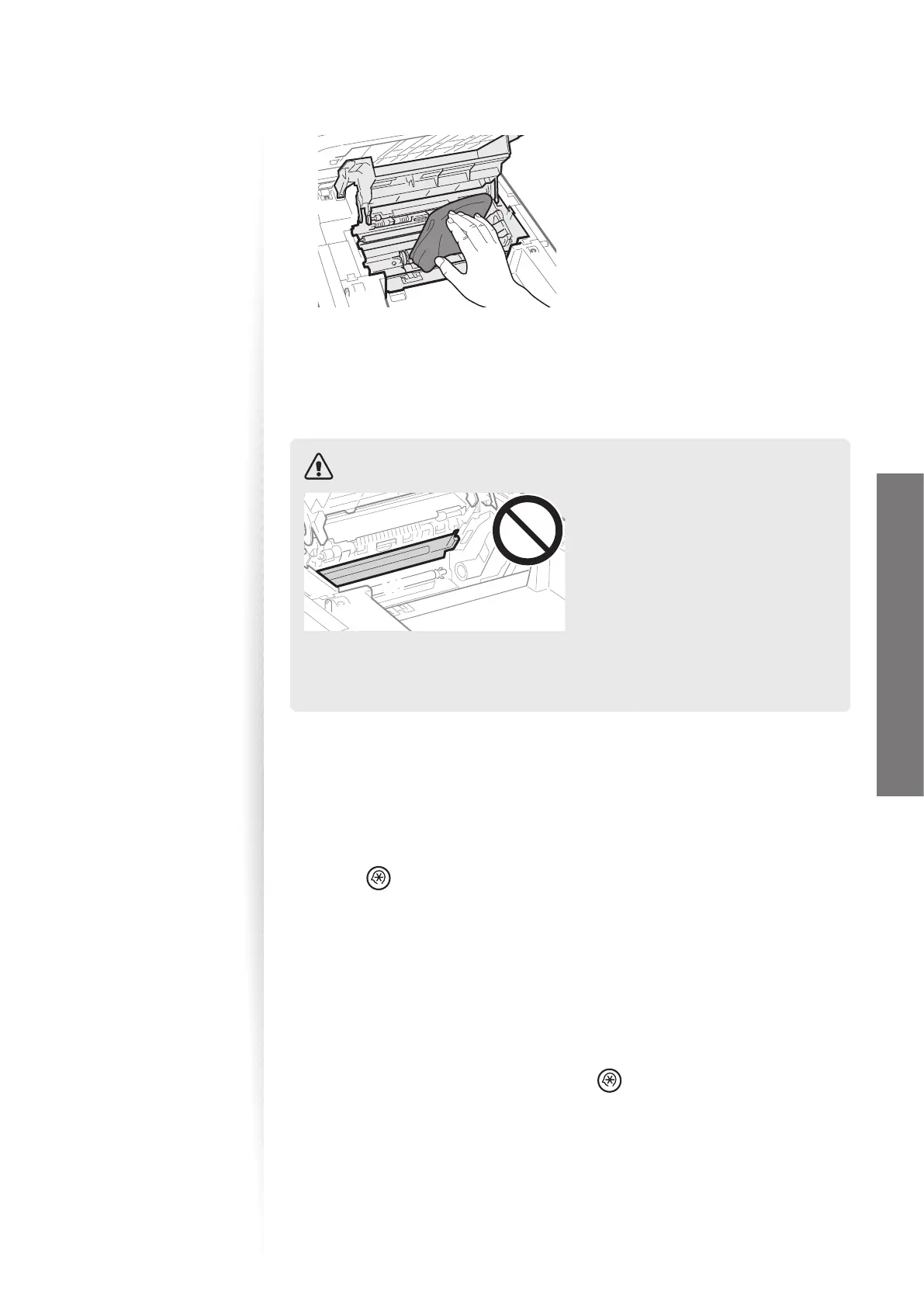
Remove any toner or paper debris from the interior of the machine, with
a soft, dry cloth that is clean and lint-free.
5
Insert the toner cartridge.
6
Close the toner cover, and then lower the scanning platform.
7
Reconnect all the cables, and then turn ON the power.
CAUTION
(A)(A)
When closing the scanning platform:
Be careful not to get your ngers caught.
Do not touch the xing
unit (A).
Touching the xing unit (A) may cause
burn
s as it becomes very hot during use.
If you get toner on your hands or
clothi
ng:
If toner gets on your hands or clothing,
was
h them immediately with cold water.
Washing with warm water makes it
impossible to remove the toner stains.
Cleaning the Fixing Unit
Clean the xing unit when black streaks appear on printed pages.
1
Press [ ] (Menu).
2
Press [▲] or [
▼
] to highlight <Adjustment/Maintenance>, and then press
[OK].
3
Press [▲] or [
▼
] to highlight <Clean Fixing Unit>, and then press [OK].
4
Load Letter size plain paper in the multi-purpose tray, and then press
[OK].
•
The cleaning process begins. Cleaning takes approximately 90 seconds.
5
When the cleaning is complete, press [ ] (Menu) to close the screen.















 To Next Page