56
3
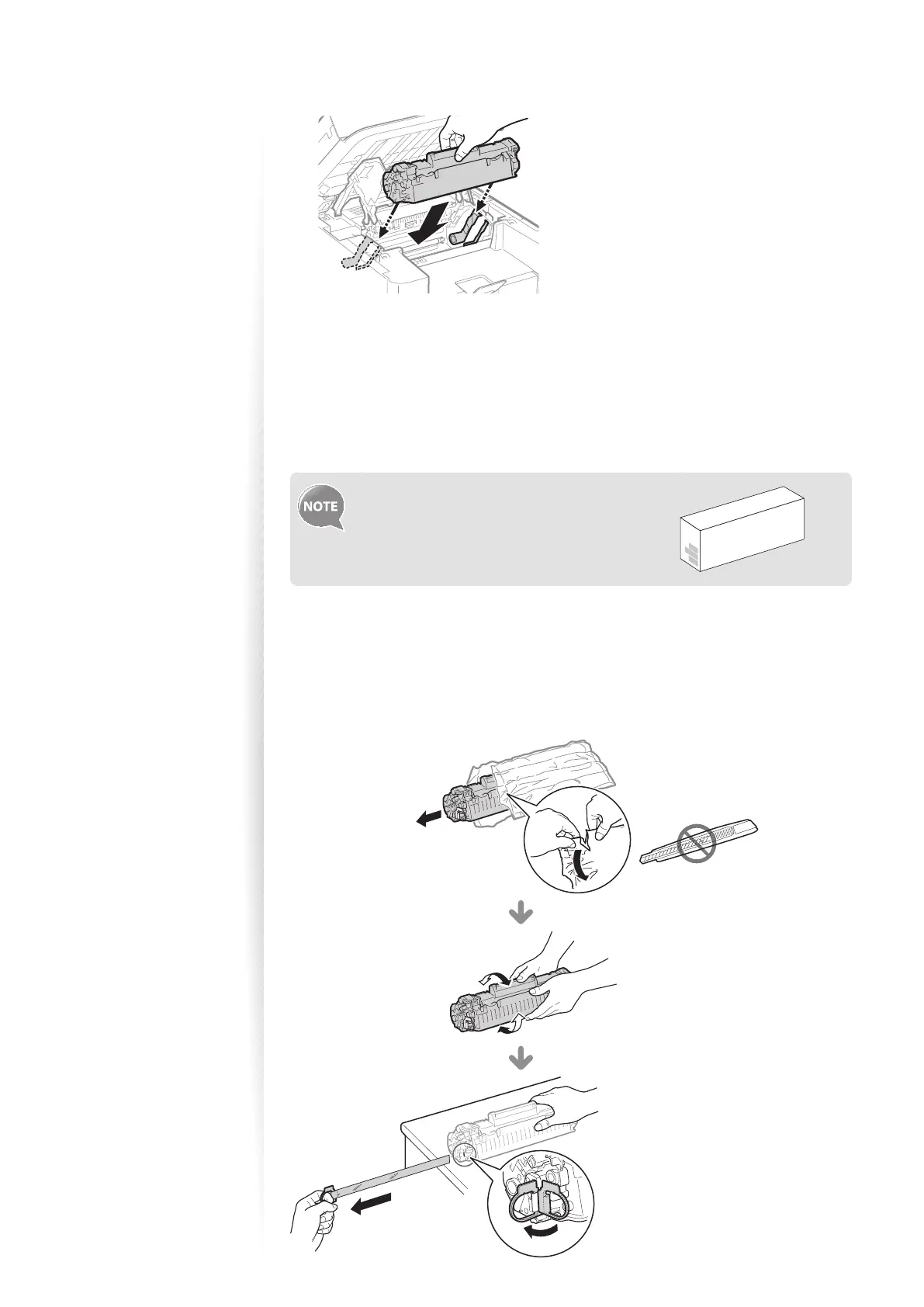
Insert the toner cartridge.
4
Close the toner cover, and then lower the scanning platform.
Replacing the Toner Cartridge
You can purchase replacement toner cartridges from your local authorized Canon dealer.
Supported genuine Canon toner cartridge:
Canon Cartridge 128 Starter
1
Open the operation panel and the toner cover, and then remove the
toner cartridge.
2
Prepare a new toner cartridge.
•
Store the protective bag. It is required when you remove the toner cartridge for
printer maintenance or other purposes.
Shake the toner cartridge 5-6
times to evenly distribute the
toner.
Place the toner cartridge on a
at surface, remove the tab, and
carefully pull the sealing tape
completely out (20” (50 cm)).















 To Next Page