33
Copy
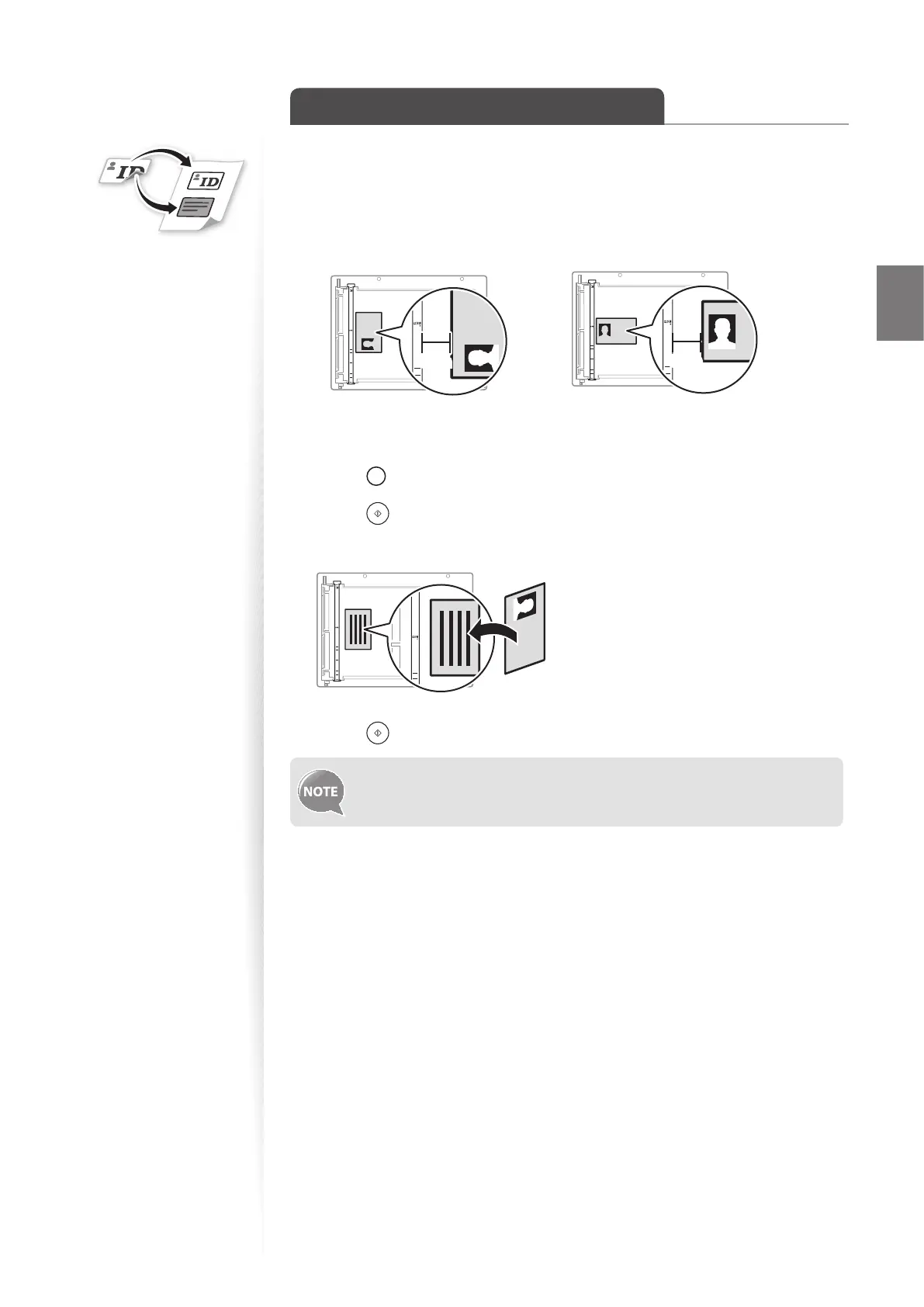
Copy a Double-Sided ID Card
You can make a copy of a double-sided ID card onto single-sided paper.
1
Place an ID on the platen glass.
•
Place the card at the center of the left edge of the platen glass, with a 1/4” (5 mm)
space created.
A5
STMT
B5
A4
LTR
5mm5mm
A5
STMT
B5
A4
LTR
5mm5mm
2
Switch to the Copy mode (→p.13).
3
Press [ ] (N on 1) until the indicator of ID Card Copy is lit.
4
Press [ ] (Start).
5
Turn and place the card.
A5
STMT
B5
A4
LTR
6
Press [ ] (Start).
• The copy ratio is automatically set to <100%>.
• You can only use Letter size or larger paper for ID card copying.















 To Next Page