36
Print a Document
1
Make sure that a computer and the machine are connected properly, and
the MF Drivers are installed on the computer.
2
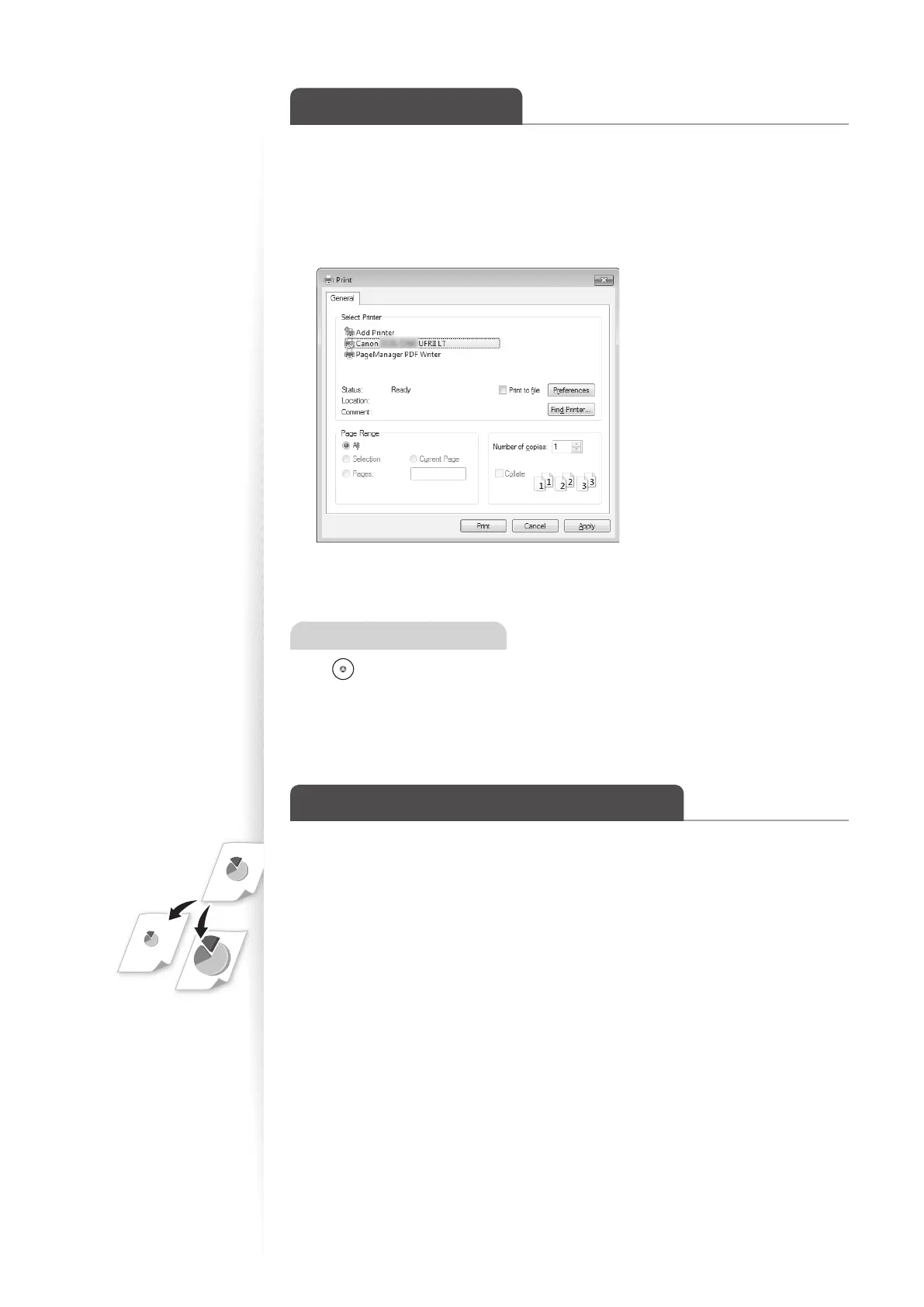
Open a document from an application, and then open the Print window.
3
Select your printer.
4
Click [Print] to start printing.
Canceling Print Jobs
Press [ ] (Stop) twice.
* It is valid when only one job is processing or waiting.
Enlarge or Reduce a Document
You can enlarge or reduce the data to t the paper size automatically, or specify a custom
ratio.
1
Open a document from an application, and then open the Print window.
2
Select your printer, and then open the Printing Preferences window.
3
Click the [Page Setup] tab, and then specify the print ratio.















 To Next Page