17
Basic Operation
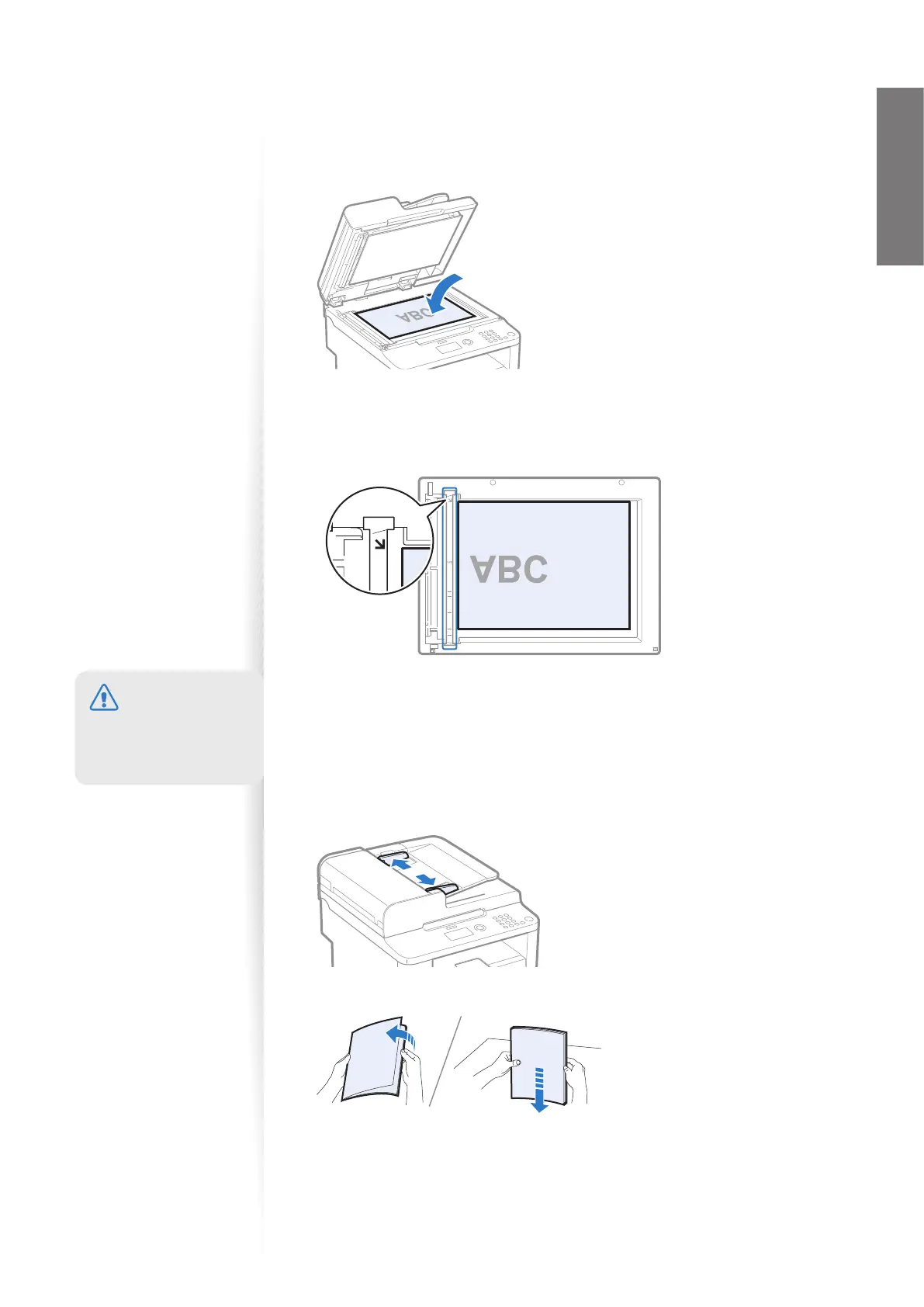
Placing Documents on the Platen Glass
1
Open the feeder or the platen glass cover.
2
Place your document face down.
3
Align the document with the appropriate paper size marks.
•
If the document does not match any of the paper size marks, align the upper left
edge of your document with the arrow mark.
• If the document is a transparency, place white paper above the document.
A5
STMT
B5
A4
LTR
4
Close the feeder or the platen glass cover.
Placing Documents in the Feeder (D560 Only)
1
Spread the document guides a little wider than the document’s width.
2
Fan the document stack and align the edges of the pages.
Thoroughly fan the
paper in small batches.
Align the edges a few
times on a at surface.
CAUTION
When closing the feeder,
be ca
reful not to get your
ngers caught.















 To Next Page