28
Make a Basic Copy
1
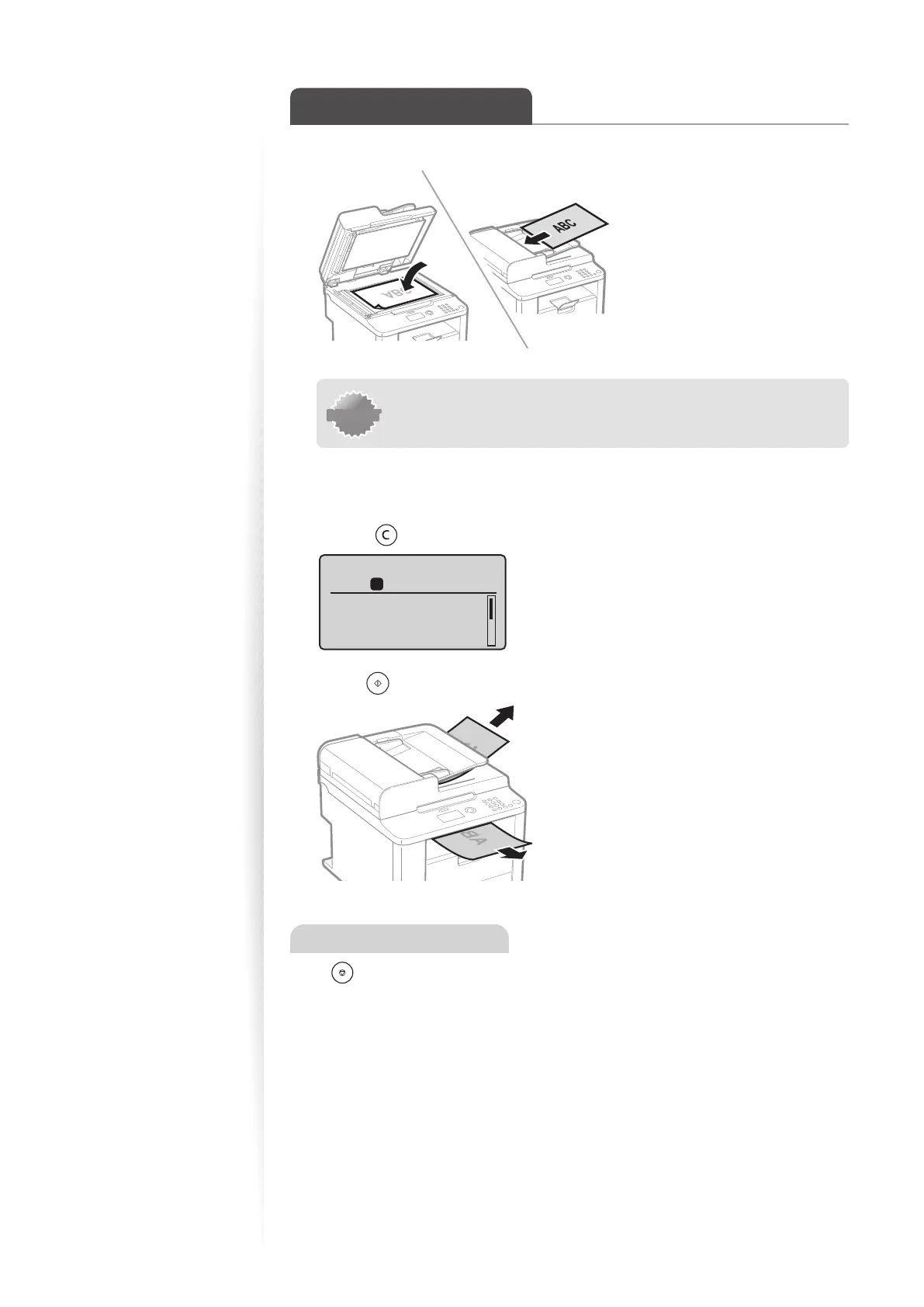
Place your documents (→p.16).
* D530 is not equipped with the feeder.
IMPORTANTIMPORTANT
If the document guides are too loose or too tight, this may result in
misfeeds or paper jams.
2
Switch to the Copy mode (→p.13).
3
Enter the desired copy quantity (1 to 99) with the alphanumeric keys.
•
Press [ ] (Clear) to delete the entered copy quantity.
Copy: Press Start
100% LTR
Density: 0
Original Type: Text
...
2-Sided: Off
1
+
-
01
4
Press [ ] (Start).
Canceling Copy Jobs
Press [ ] (Stop) twice.
* It is valid when only one job is processing or waiting.















 To Next Page