25
Basic Operation
Use the Toner Saver Mode
You can set whether or not to conserve toner when copying. When using the Toner Saver
mode, the output may not be clear, as subtle details, such as thin lines and light colors, may
not be clearly reproduced.
1
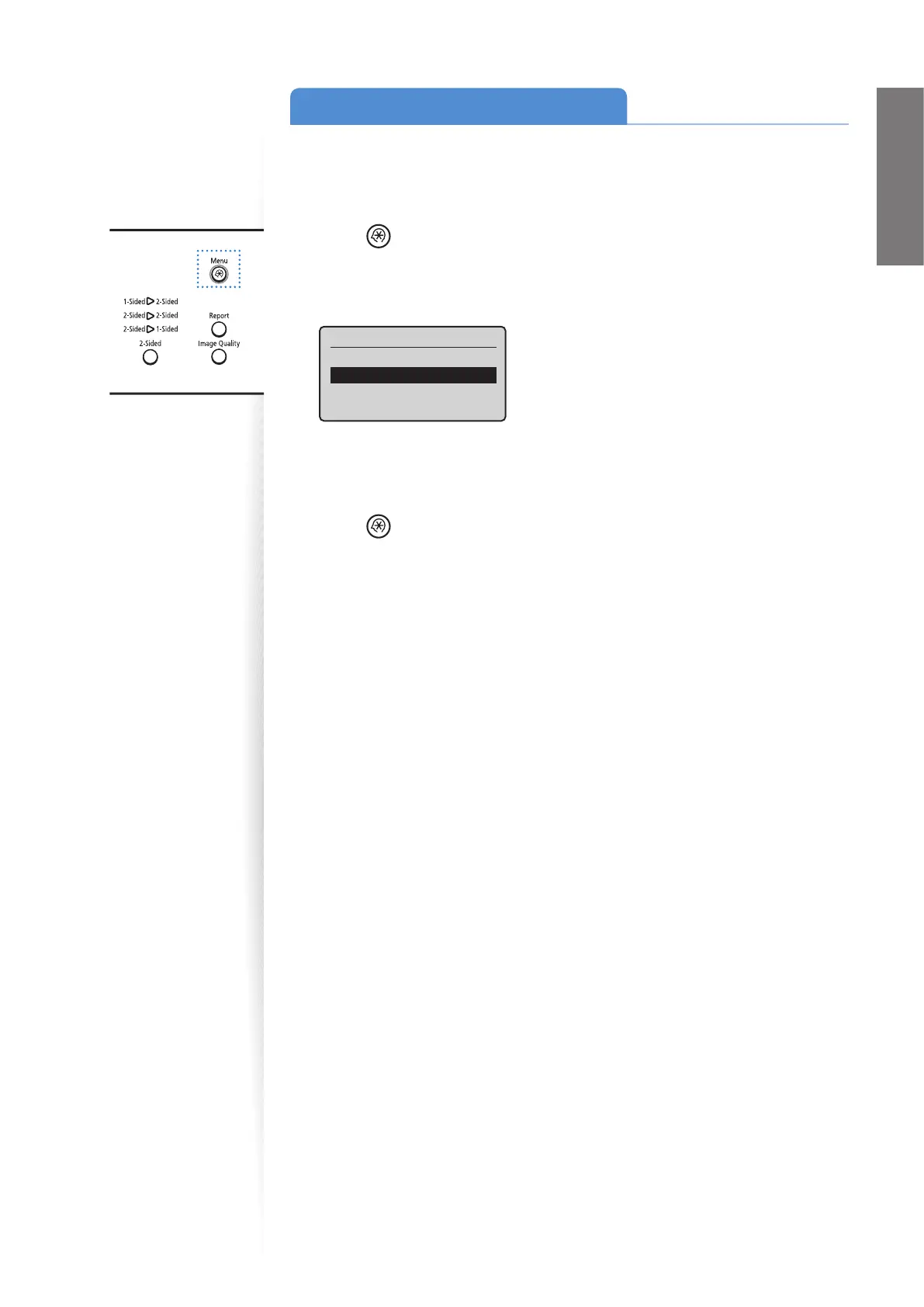
Press [ ] (Menu).
2
Press [▲] or [
▼
] to highlight <Preferences>, and then press [OK].
3
Press [▲] or [
▼
] to highlight <Toner Saver Mode>, and then press [OK].
Preferences
Display Settings
Toner Saver Mode
Paper Feed Method Sw
...
4
Press [▲] or [
▼
] to highlight <Copy>, and then press [OK].
5
Press [▲] or [
▼
] to highlight <On> or <O >, and then press [OK].
6
Press [ ] (Menu) to close the screen.















 To Next Page