58
• Follow all local and federal regulations when disposing of the sealing tape
removed from the new toner cartridge.
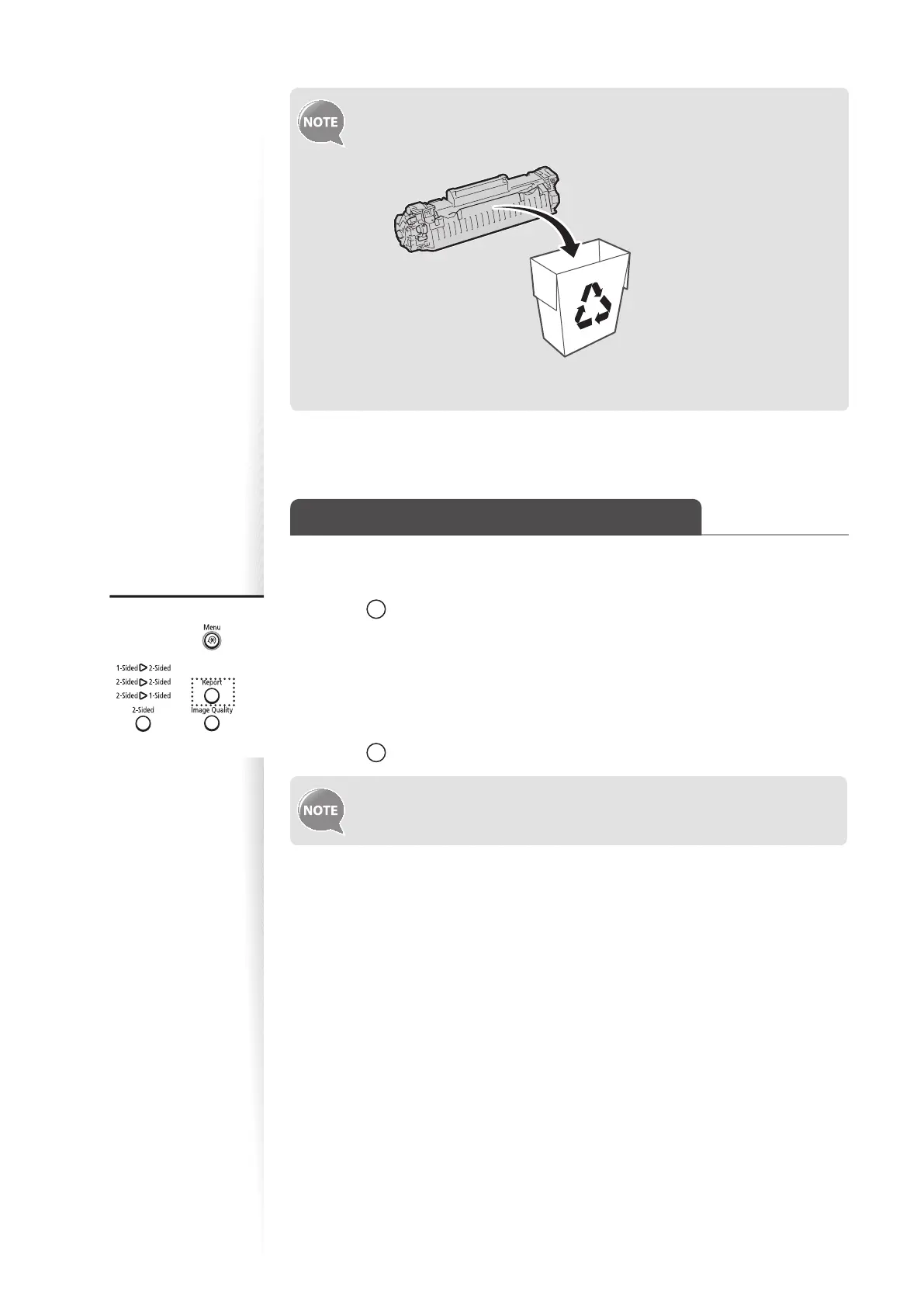
• Canon will collect and recycle your used toner cartridges (→p.71).
• For more details about handling toner cartridges, see [Handling Toner
Cartridges] in the e-Manual.
Manage Using the List Function
Print out lists to view information about the machine and settings.
1
Press [ ] (Report).
2
Press [▲] or [▼] to highlight <Print Report Lists>, and then press [OK].
3
Press [▲] or [
▼
] to highlight <User Data List>, and then press [OK].
4
Follow the on-screen instructions to print the report or list.
5
Press [ ] (Report) to close the screen.
Report and list printouts are limited to 10 pages.















 To Next Page