64
2
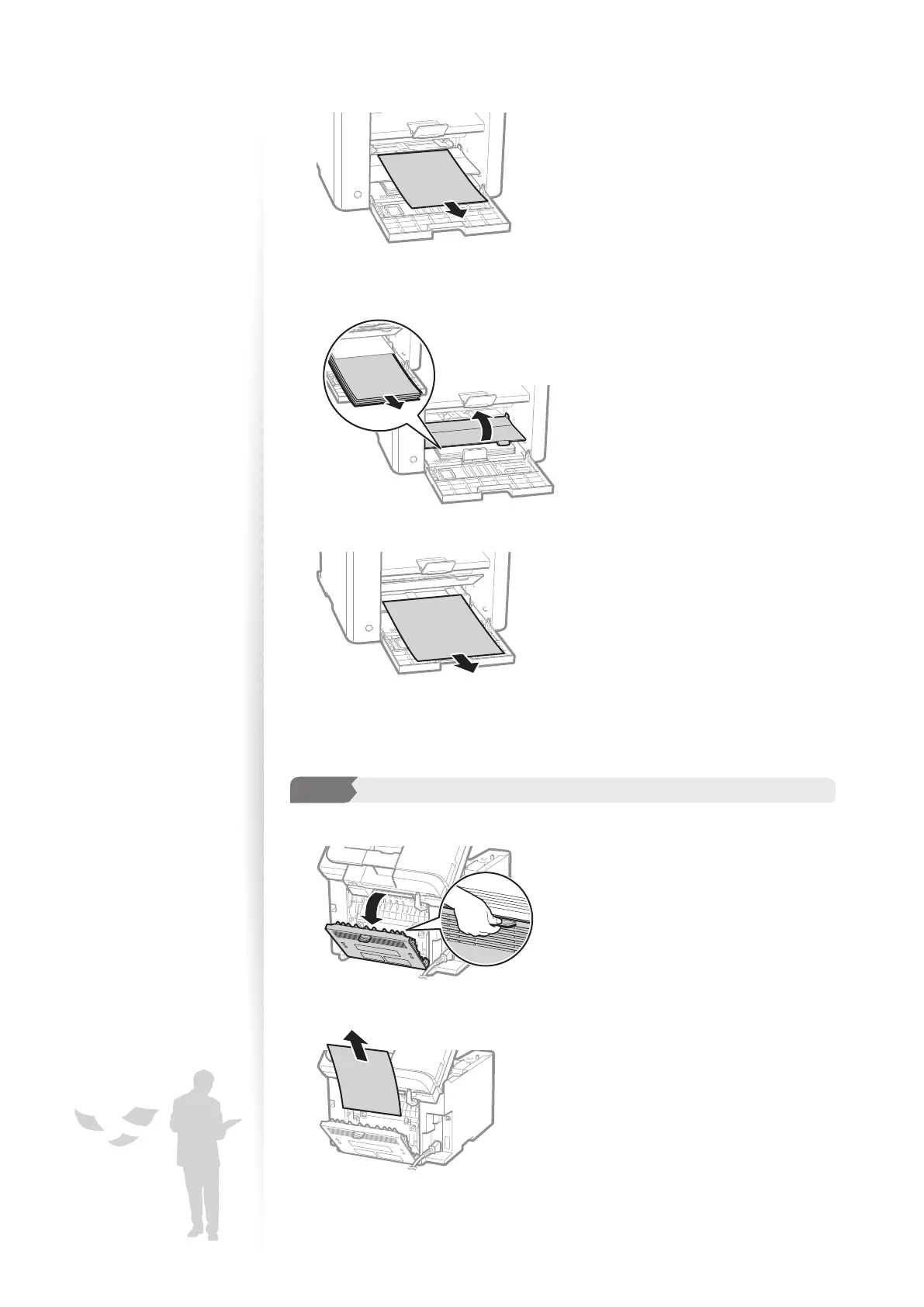
Remove any paper in the multi-purpose tray.
3
Pull up the multi-purpose tray, and then remove any paper loaded in the
paper cassette.
4
Remove any jammed paper by pulling it gently.
5
Reload paper into the paper cassette and close the front cover and lower
front cover.
3
Step
Check and remove the jammed paper in the rear cover.
1
Open the rear cover.
2
Remove any jammed paper by pulling it gently.
3
Close the rear cover.















 To Next Page