Fax
5-14
Sending Fax Documents
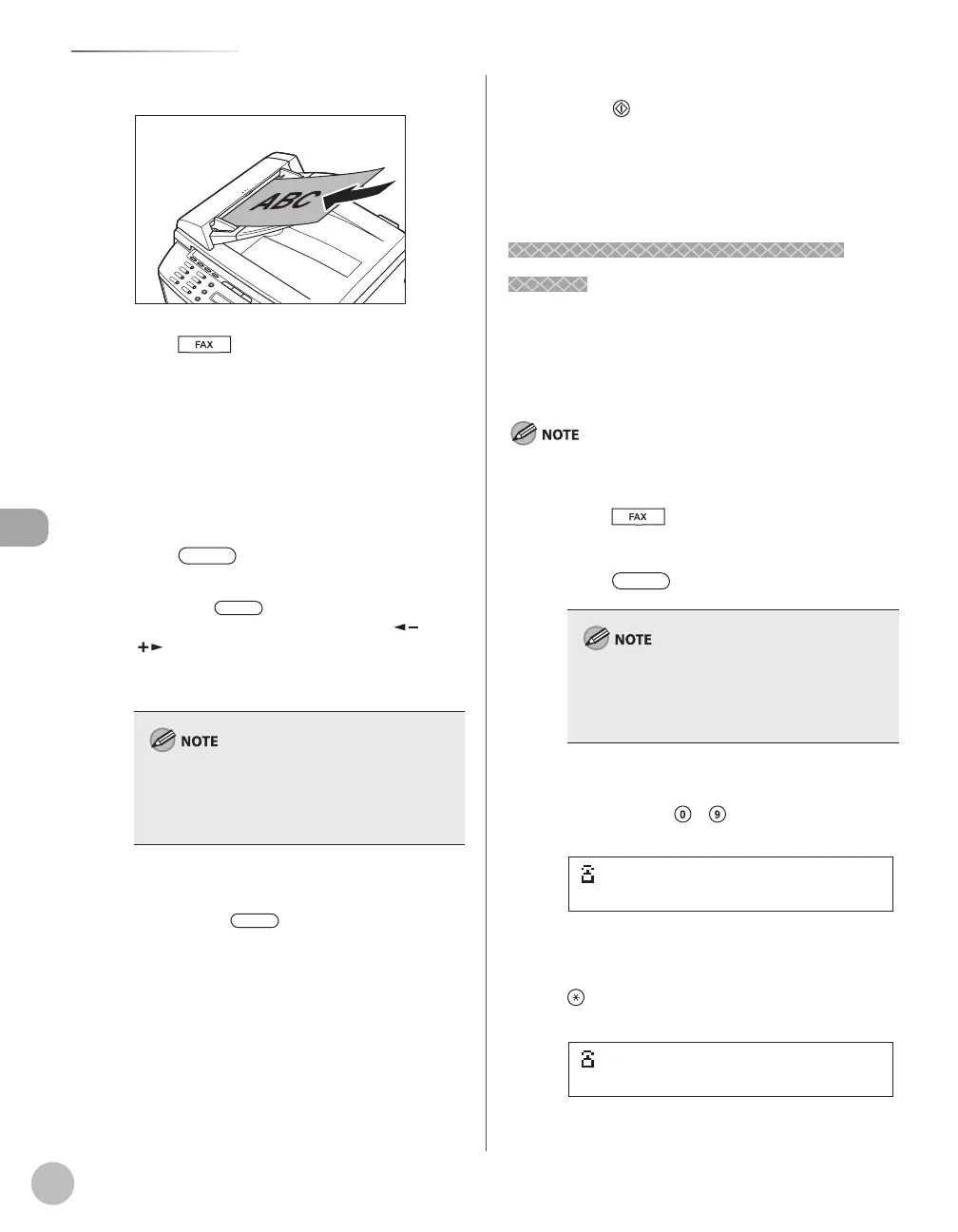
Place documents in the ADF.
Press [FAX].
Adjust any necessary settings for your
documents.
For details, see “Adjusting Density,” on p. 5-23,
“Selecting Image Quality,” on p. 5-24, and
“2-Sided Document (MF4380dn Only),” on p. 5-
25.
Press [Hook] or pick up the
handset of your external telephone.
If you press [Hook], you can temporarily
adjust the monitor tone volume with [
] and
[
].
Dial the recipient’s fax number.
Make sure to confirm the dial tone before
entering a fax number. If you enter the number
before the dial tone is heard, the call may not
connect, or the wrong number may be dialed.
Talk through the handset to the recipient.
If you press [Hook] in step 5, you can
pick up the handset when you hear the
recipient’s voice.
If you hear a high-pitched signal instead of
the recipient’s voice, go to step 9.
Ask the recipient to set their fax machine
to receive faxes.
–
–
When you hear a high-pitched signal,
press [Start], then hang up the
handset.
Scanning starts, and the scanned data is sent to
the specified destination when scanning is
complete.
Switching Temporarily to Tone
Switching Temporarily to Tone
Dialing
If your machine is set for pulse dialing, use the
procedure below to switch to tone dialing to use
information services (e.g., banks, airline
reservations, and hotel reservations).
To talk to the other party, you will need to connect an external
telephone to the machine.
Press [FAX].
Press [Hook].
Make sure to confirm the dial tone before
entering a fax number. If you enter the number
before the dial tone is heard, the call may not be
connected, or the wrong number may be dialed.
Enter the number of the fax information
service using
–
[numeric keys].
=031XXXXXX
Ex.
When the recorded message of the
information service answers, press
[Tone] to switch to tone dialing.
=031XXXXXXT
Ex.













 To Next Page