10-10
Maintenance
Replacing the Toner Cartridge
Redistributing Toner
When the toner is running low, the message
<TONER LOW/PREPARE NEW TONER> appears on
the display, redistribute toner in the toner cartridge.
We recommend that you prepare a new toner
cartridge for future replacement with ease.
Do not touch the rollers and parts which have labels “CAUTION!
Hot surface avoid contact” on. They become very hot during
use.
When <CONT. PRINTING> is set to <ON>, the printed
documents may be light or blurred because of lack of toner. The
data is erased when the documents are printed out, so you can
not print the same documents again. (See “FAX SETTINGS,” on
p. 12-5.)
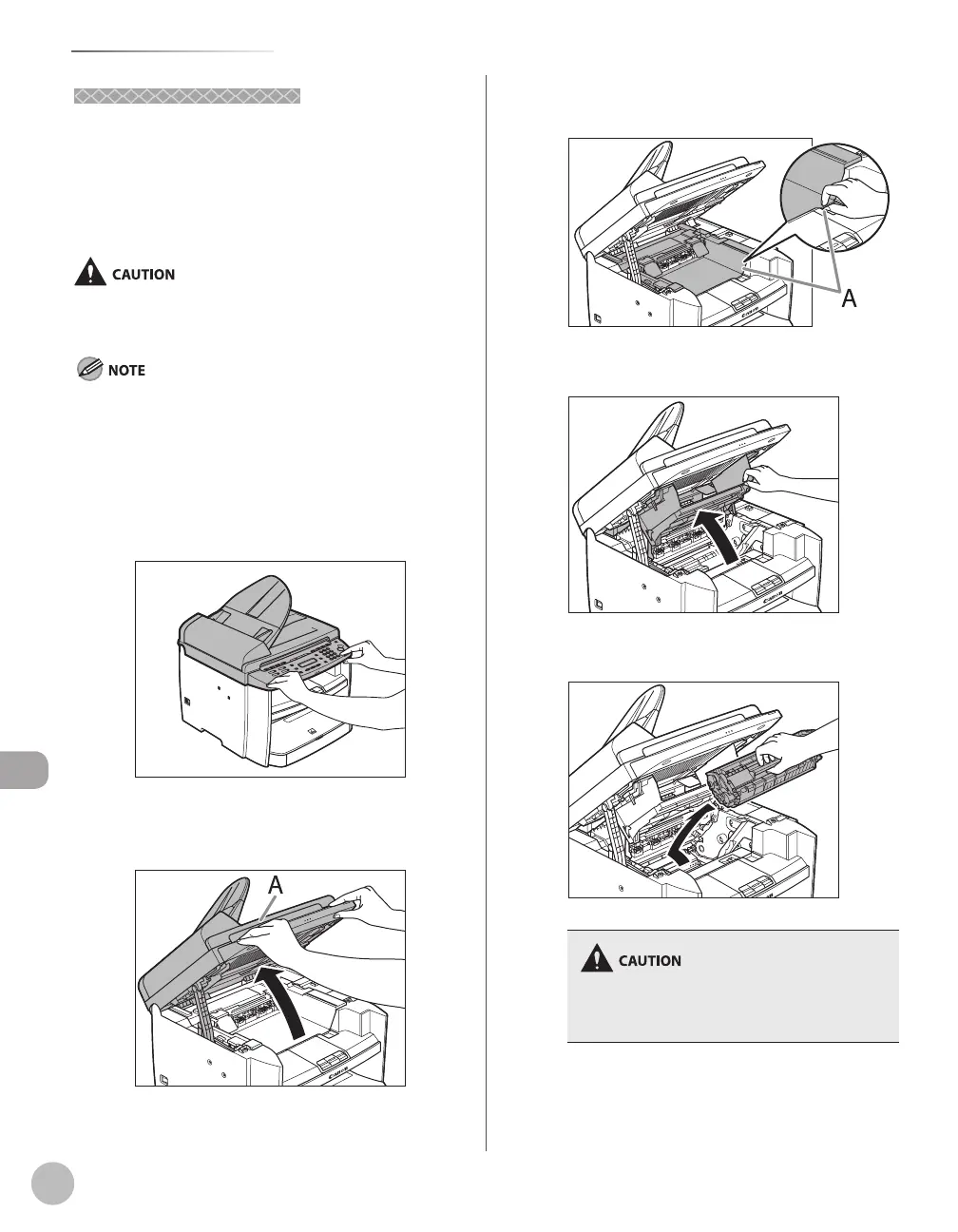
Hold the front side of the operation panel
with your hands.
Lift the scanning platform (A) until it is
locked. (You will hear an audible “click.”)
Hold the grip (A) on the right front side of
the toner cover.
Open the toner cover.
Remove the toner cartridge.
Do not touch the rollers and parts which have
labels “CAUTION! Hot surface avoid contact” on.
They become very hot during use.













 To Next Page