Copying
4-19
2-Sided Copying
1 to 2-Sided Copying
You can make 2-sided copies from 1-sided
documents.
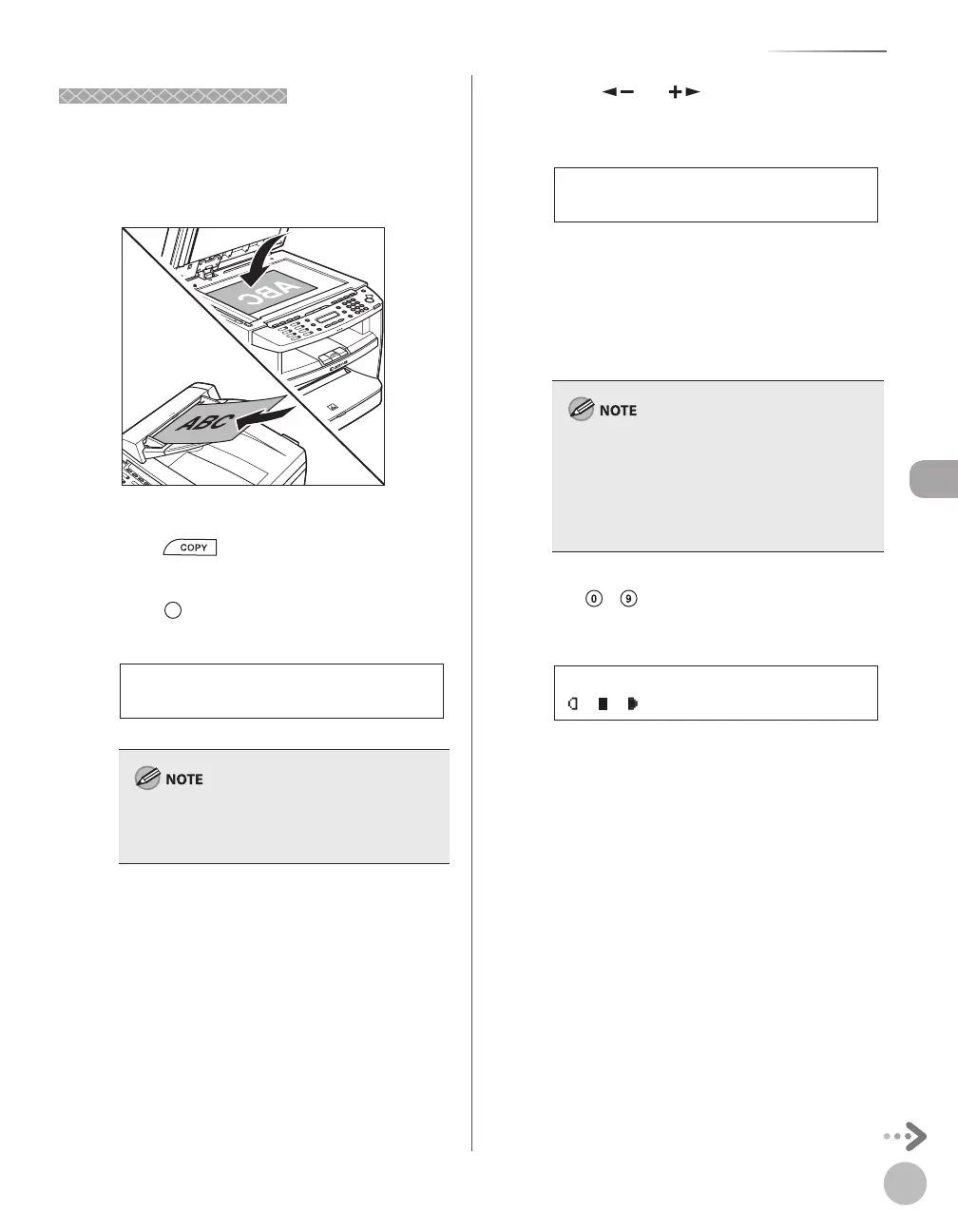
Place documents.
For details, see “Placing Documents,” on p. 2-4.
Press [COPY].
Press [2-Sided] to select <1 >2-SIDED>,
then press [OK].
1 > 2-SIDED
2-SIDED
If there are odd number of documents when the
1-Sided to 2-Sided mode is used, the back side of
the last copy is left blank.
Press [ ] or [ ] to select <BOOK
TYPE> or <CALENDAR TYPE>, then press
[OK].
BOOK TYPE
TYPE OF OUTPUT
<BOOK TYPE>: The front and back sides of the
copy will have the same top-bottom
orientation.
<CALENDAR TYPE>: The front and back sides
of the copy will have the opposite top-
bottom orientation.
For the landscape oriented documents:
When <BOOK TYPE> is selected, the front and
back sides of the copy will have the opposite top-
bottom orientation. When <CALENDAR TYPE> is
selected, the front and back sides of the copy will
have the same top-bottom orientation.
Use
– [numeric keys] to enter the
desired copy quantity (1 to 99).
TEXT/PHOTO 1
100% * LTR
Ex.
–
–













 To Next Page