Fax
5-38
Selecting the Receive Mode for Printing
Selecting the Receive Mode for Printing
Selecting the Receive Mode for Printing
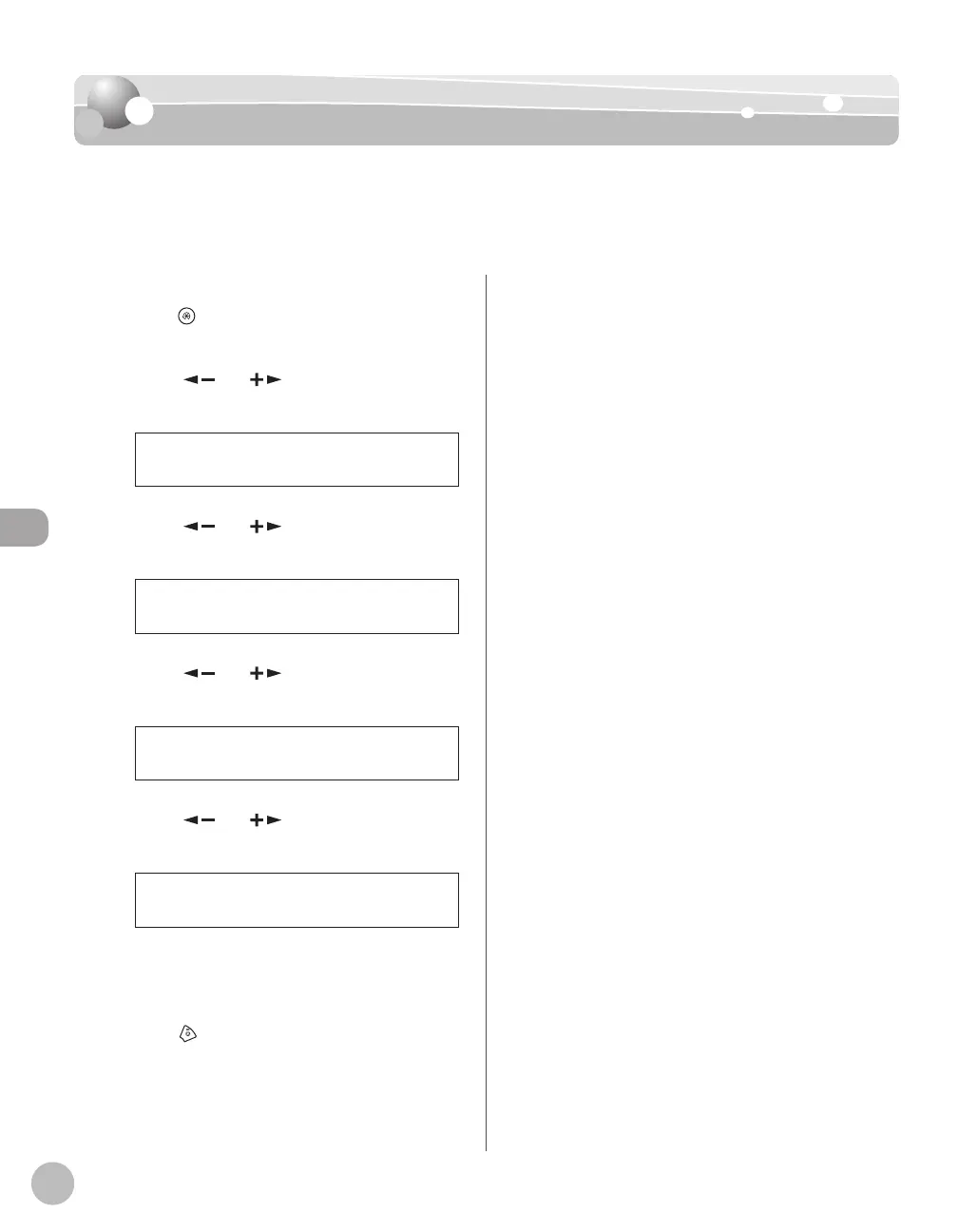
You can select whether the machine stores all received pages in the memory before printing
them out or prints each page as it is received.
The default setting is <MEMORY RX>.
Press [Menu].
Press [ ] or [ ] to select <FAX
SETTINGS>, then press [OK].
5 FAX SETTINGS
MENU
Press [ ] or [ ] to select <RX
SETTINGS>, then press [OK].
4 RX SETTINGS
FAX SETTINGS
Press [ ] or [ ] to select <RX PRINT>,
then press [OK].
3 RX PRINT
RX SETTINGS
Press [ ] or [ ] to select the desired
printing method, then press [OK].
MEMORY RX
RX PRINT
<MEMORY RX>: Prints after all the pages of
the document are received.
<PRINT RX>: Prints each page as it is received.
Press [Stop/Reset] to return to the
standby mode.
–
–













 To Next Page