Fax
5-25
2-Sided Document (MF4380dn Only)
2-Sided Document (MF4380dn Only)
2-Sided Document (MF4380dn Only)
You can set the machine to automatically turn over 2-sided documents that are placed in the
ADF, and scan each side separately.
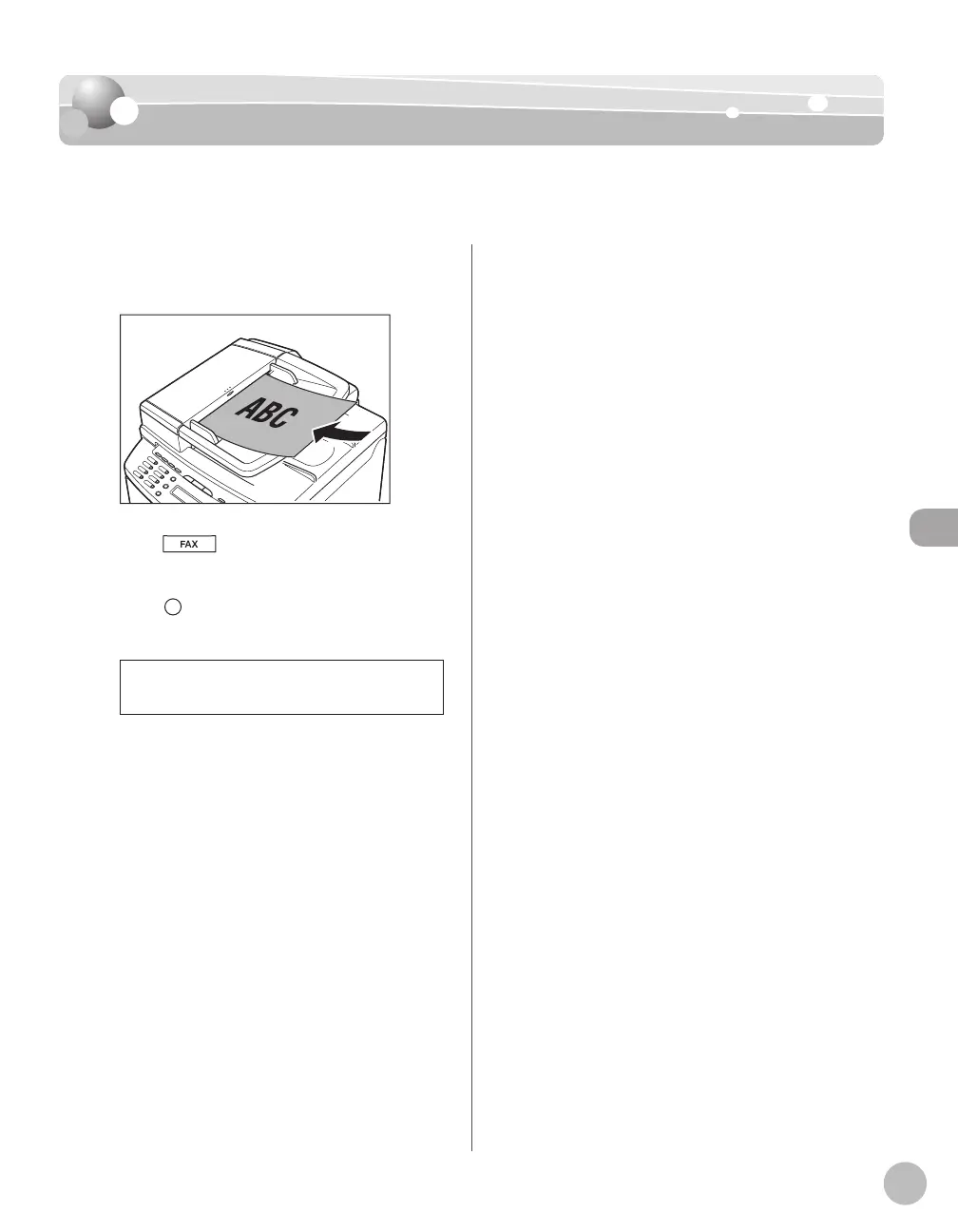
Place documents in the ADF.
Press [FAX].
Press [2-Sided] repeatedly to select the
binding type, then press [OK].
2-SIDED BOOK
<2-SIDED BOOK>: The front and back sides of
the document have the same top-bottom
orientation.
<2-SIDED CALENDAR>: The front and back
sides of the document have opposite top-
bottom orientations.
Specify the destination and send your
documents.
For details, see “Specifying Destinations,” on p. 5-
18.
–
–













 To Next Page