Fax
5-23
Adjusting Density
Adjusting Density
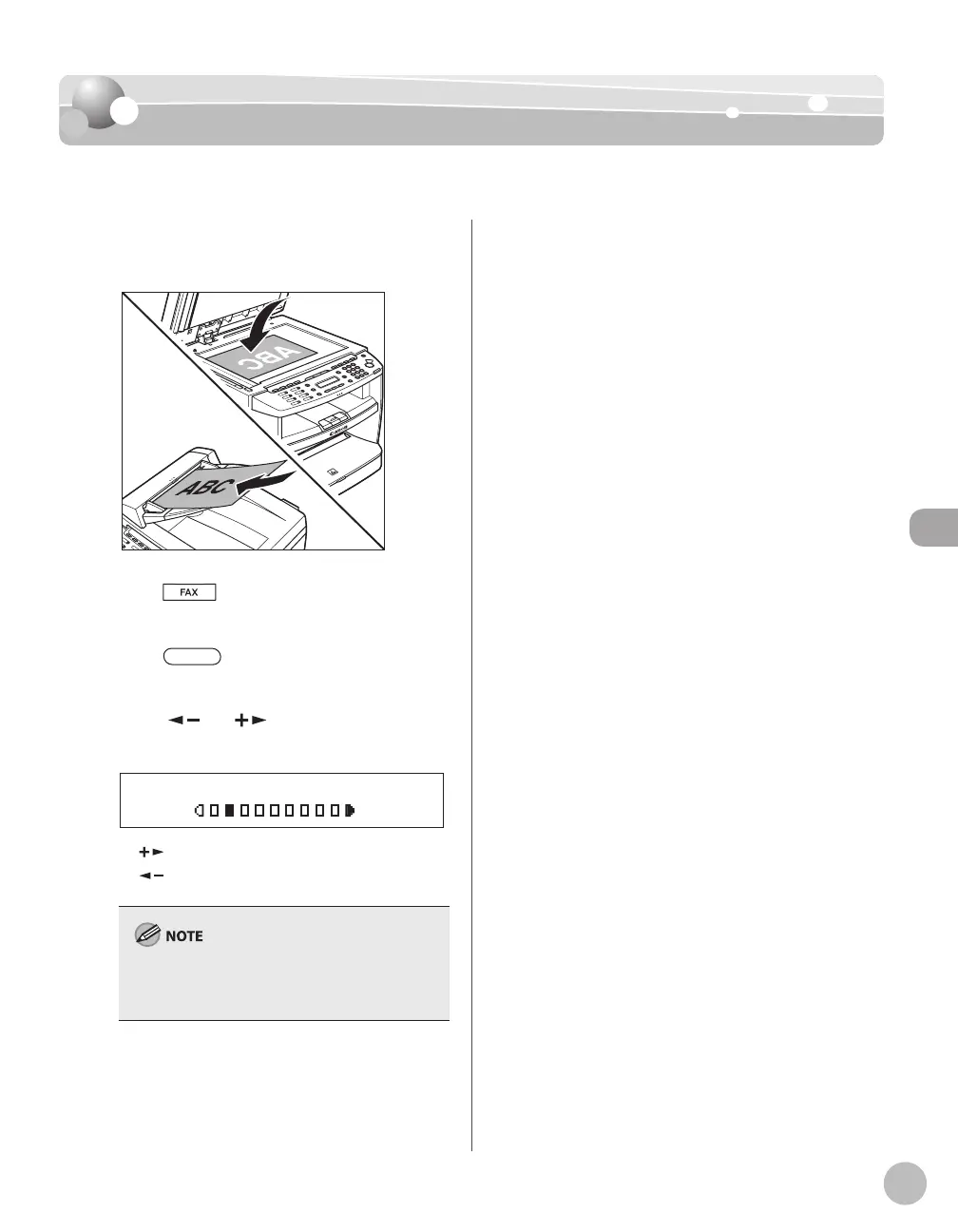
You can adjust the density to the most appropriate level for the document you send.
Place documents.
Press [FAX].
Press [Density].
Press [ ] or [ ] to adjust the density,
then press [OK].
-LT DK+
DENSITY
[ ]: to make light documents darker.
[
]: to make documents lighter.
This setting returns to the default after all
documents are scanned. If you want to keep the
setting, see “Changing Standard Mode,” on p. 5-29.
–
–
Specify the destination and send your
documents.
For details, see “Specifying Destinations,” on p. 5-
18.













 To Next Page