Fax
5-19
Specifying Destinations
Using the One-Touch Keys
You can specify up to eight destinations using one-
touch Keys.
To use this feature, you need to first register destinations in one-
touch Keys. (See “Registering One-Touch Keys,” on p. 3-3.)
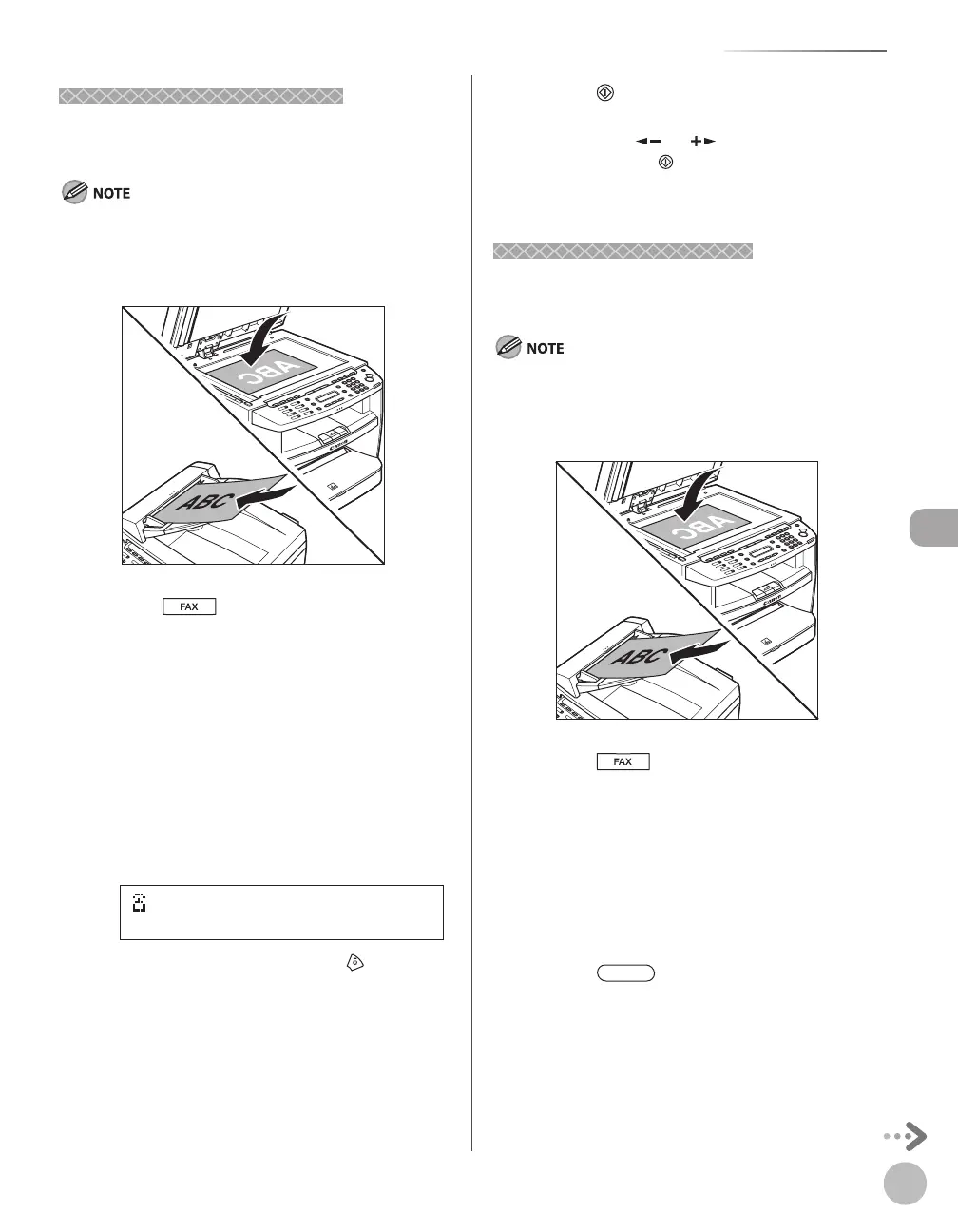
Place documents.
Press [FAX].
Adjust any necessary scan settings for
your documents.
For details, see “Adjusting Density,” on p. 5-23,
“Selecting Image Quality,” on p. 5-24, and
“2-Sided Document (MF4380dn Only),” on p. 5-
25.
Press the desired one-touch key (01 to
08).
[01]canon
=031XXXXXX
Ex.
If you pressed a wrong key, press [Stop/
Reset], then try again from step 3.
Press [Start].
When you place the documents on the platen
glass, press [
] or [ ] to select the document
size, then press
[Start] for each document.
When scanning is complete, press [OK] to start
sending.
Using Coded Dial Codes
You can specify up to 100 destinations using coded
dial codes.
To use this feature, you need to first register destinations in
coded dial code. (See “Registering Coded Dial Codes,” on p. 3-6.)
Place documents.
Press [FAX].
Adjust any necessary scan settings for
your documents.
For details, see “Adjusting Density,” on p. 5-23,
“Selecting Image Quality,” on p. 5-24, and
“2-Sided Document (MF4380dn Only),” on p. 5-
25.
Press [Coded Dial] .













 To Next Page