Fax
5-44
Forwarding Received Fax Documents in Memory
Forwarding Received Fax Documents in
Forwarding Received Fax Documents in
Memory
You can redirect the fax documents received in memory to the specified destination.
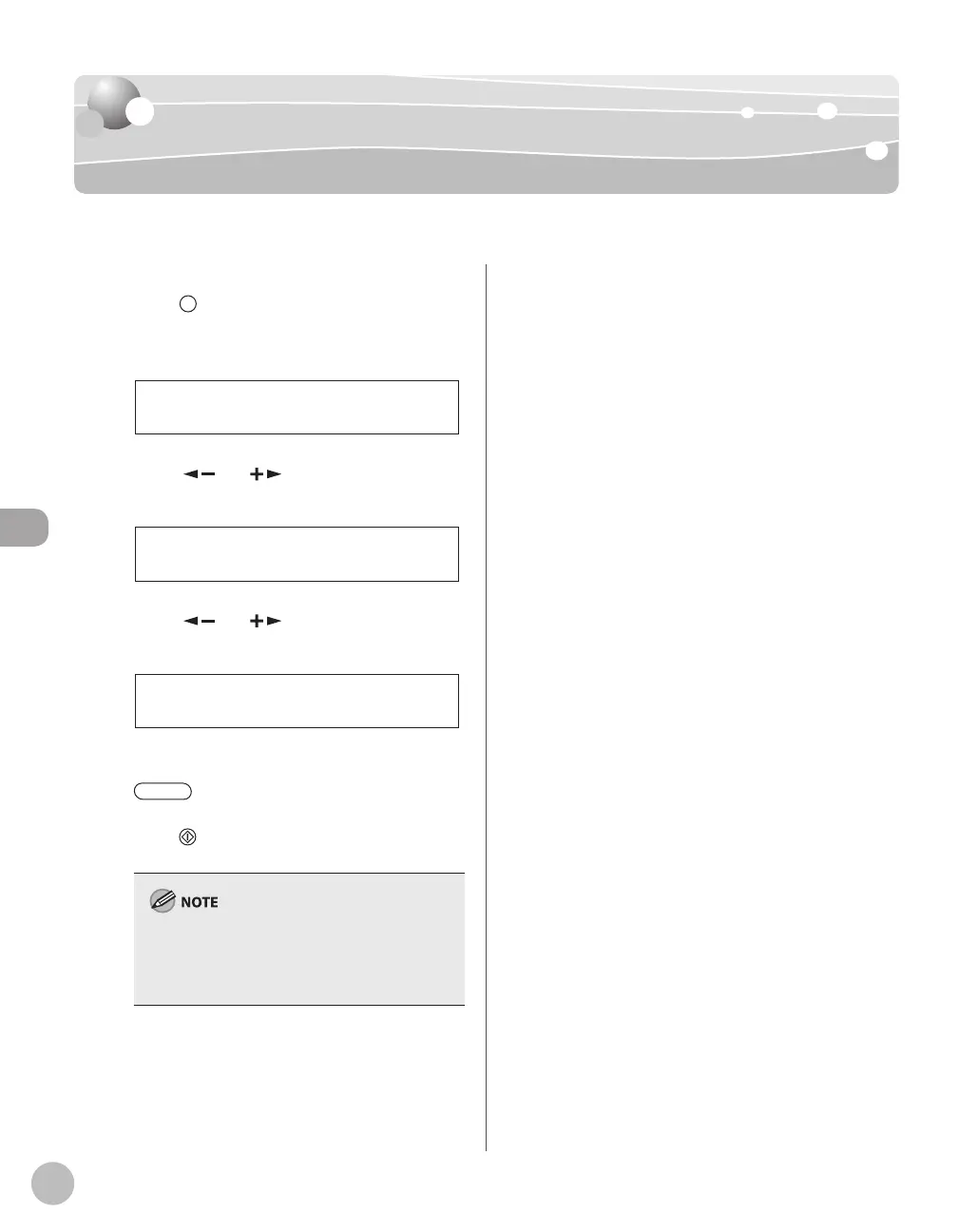
Press [Job Cancel/Status Monitor]
repeatedly to select <TX/RX STATUS>,
then press [OK].
TX/RX STATUS
Press [ ] or [ ] to select the job you
want to transfer, then press [OK].
123XXXXXX
001 RX
Press [ ] or [ ] to select
<FORWARD>, then press [OK].
FORWARD
001
Press the desired one-touch key or
[Coded Dial] followed by the two-
digit code to select the destination, then
press [Start].
To be able to select a forwarding destination, it is
necessary to register destinations in the Address
Book beforehand. (See “Registering Destinations
in the Address Book,” on p. 3-1.)













 To Next Page