Settings from a PC (MF4380dn/MF4370dn Only)
9-5
Starting the Remote UI
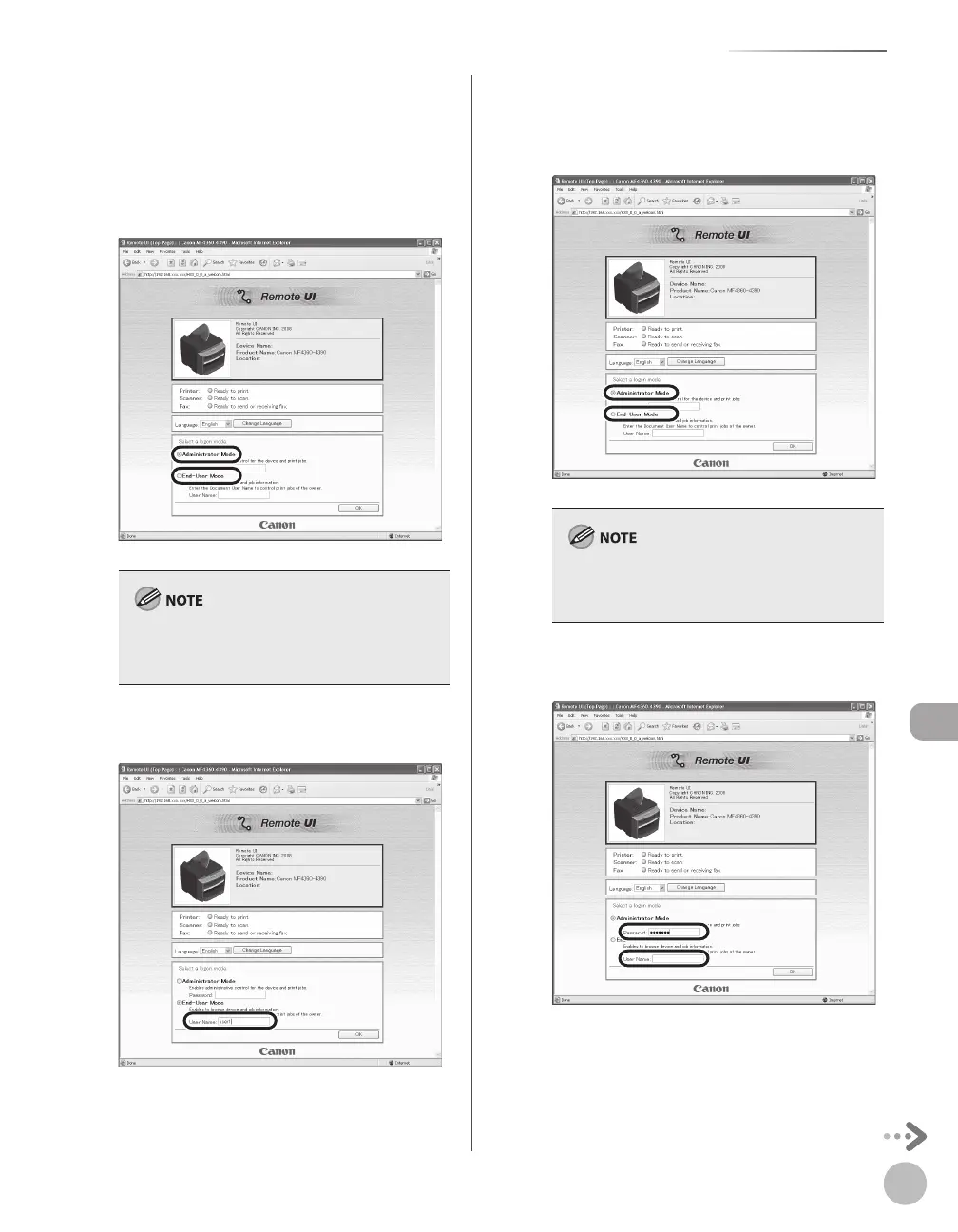
Enter the required data.
The required data differ depending on the
authentication mode you are using.
■ For default settings:
① Select [Administrator Mode] or [End-User
Mode].
If you want to change various settings, select
[Administrator Mode]. Selecting [End-User Mode],
you cannot change the settings.
② In case of End-User Mode, enter the User
Name.
■ In case that system manager password is
set:
① Select [Administrator Mode] or [End-User
Mode].
If you want to change various settings, select
[Administrator Mode]. Selecting [End-User Mode],
you cannot change the settings.
② Enter the System Manager password or user
name.
Click [OK].













 To Next Page