10-16
Maintenance
Replacing the Toner Cartridge
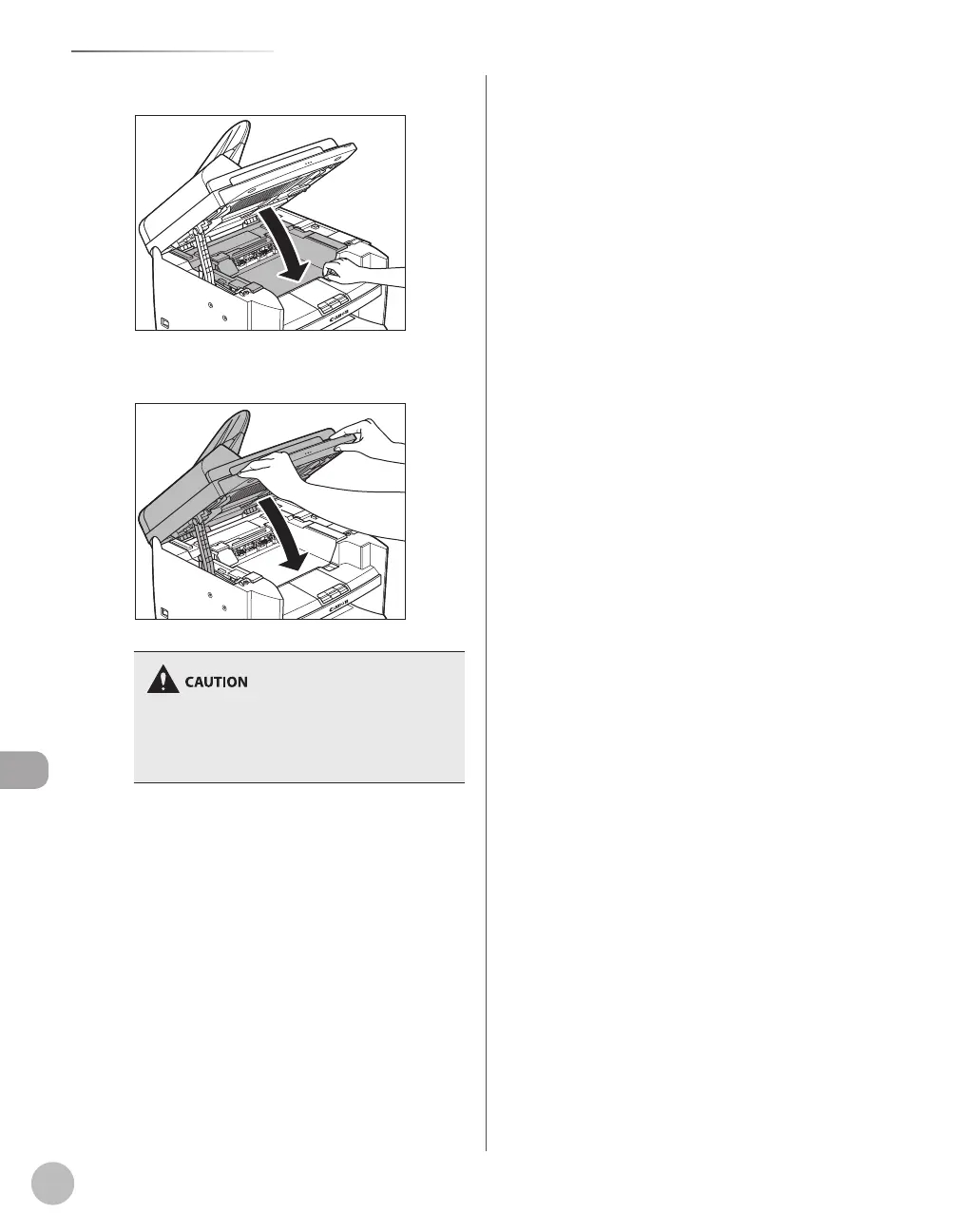
13
Close the toner cover.
14
Lower the scanning platform.
Be careful not to get your fingers caught.
If you cannot close the toner cover, do not force
it to close. Open the cover and make sure the
toner cartridge is properly set in the machine.
–
–













 To Next Page