10-28
Maintenance
Transporting the Machine
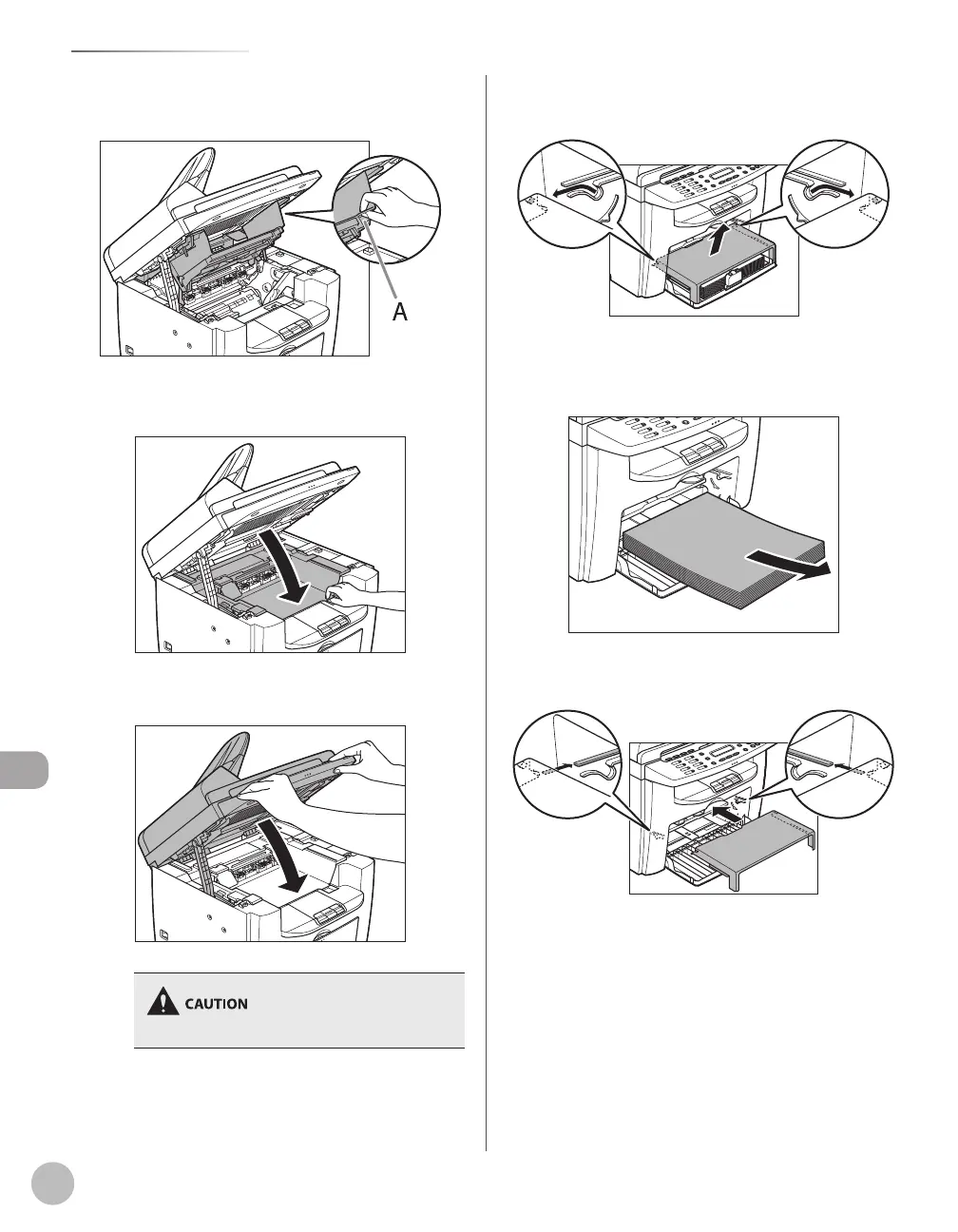
Hold the grip (A) on the right front side of
the toner cover.
10
Close the toner cover.
11
Lower the scanning platform.
Be careful not to get your fingers caught.
12
Remove the dust cover from the paper
feeding tray.
13
Remove the paper from the paper
feeding tray.
14
Store the dust cover inside the machine.













 To Next Page