11-4
Troubleshooting
Clearing Jams
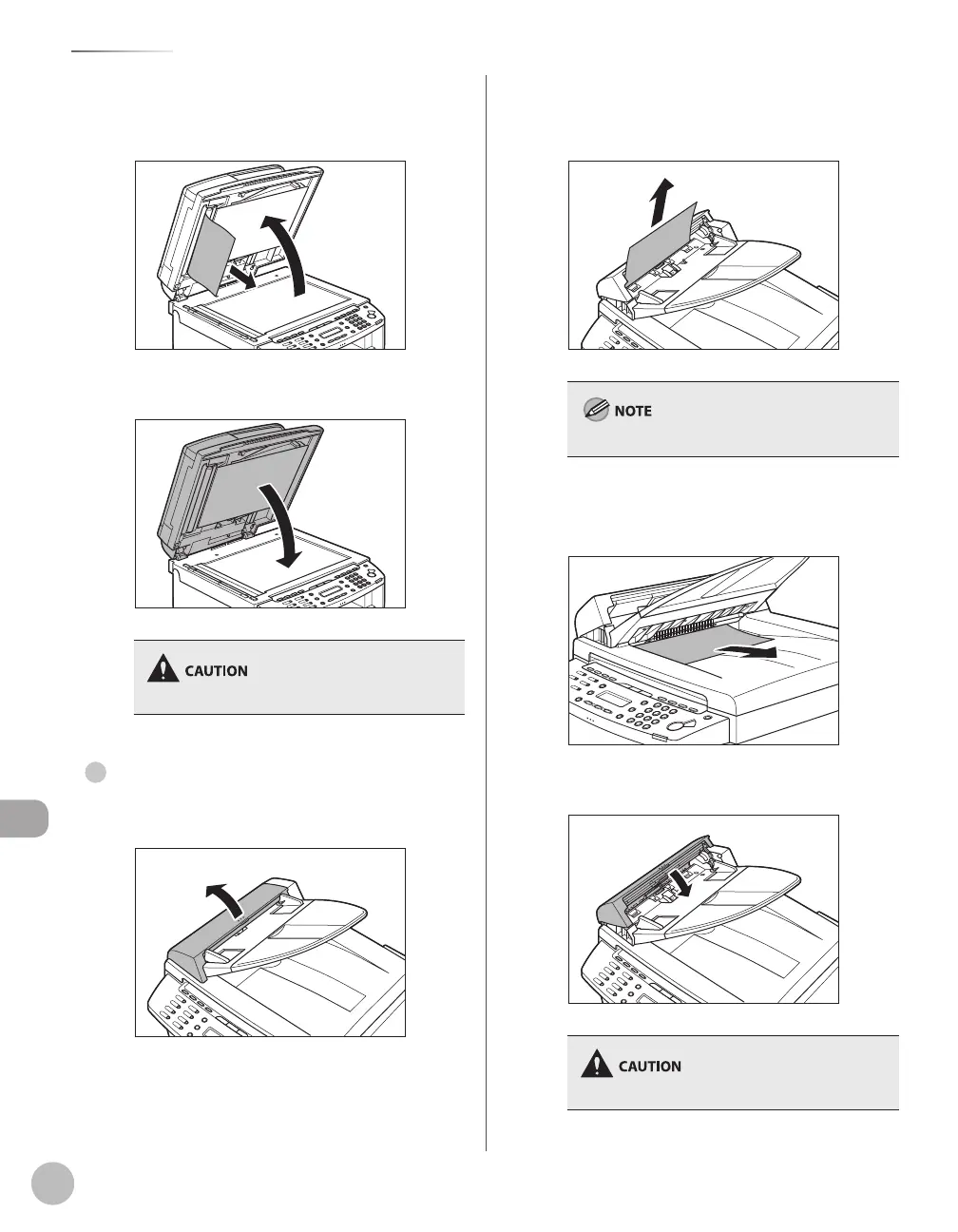
Open the ADF and then hold both sides
of any jammed documents and gently
pull them out.
10
Close the ADF.
Be careful not to get your fingers caught.
For MF4370dn/MF4350d
Open the ADF cover.
●
Hold both sides of any jammed
documents and gently pull them out
straight upward.
Do not pull the document forcefully as it may tear.
Hold both sides of any jammed
documents and gently pull them out.
Close the ADF cover.
Be careful not to get your fingers caught.













 To Next Page