11-11
Troubleshooting
Clearing Jams
For MF4350d
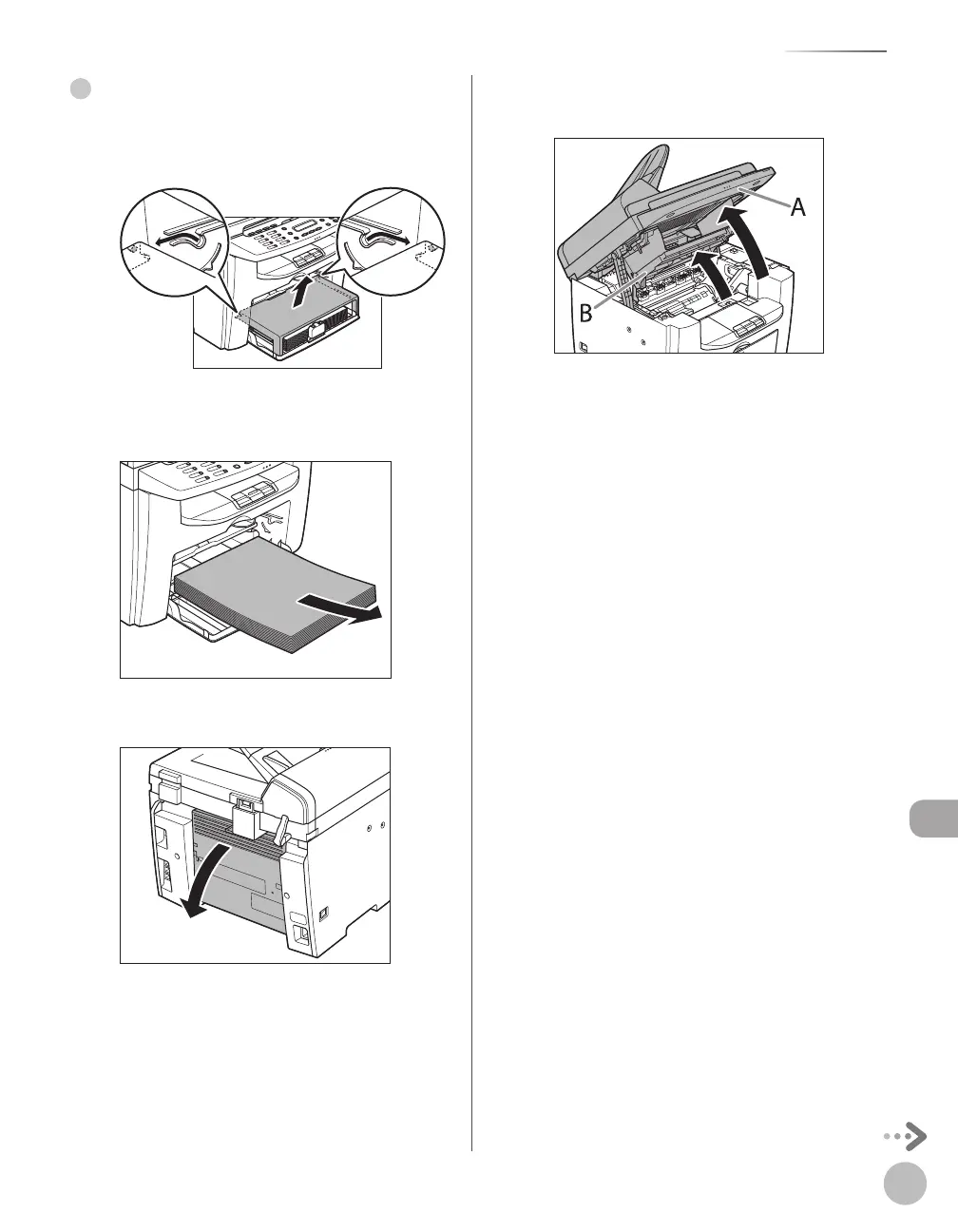
Remove the dust cover from the paper
feeding tray.
Remove the paper in the paper feeding
tray.
Open the rear cover.
This operation is required only when <PAPER
JAM/OPEN REAR COVER> appears on the
display.
●
Lift the scanning platform until it is
locked (A), and open the printer cover (B).













 To Next Page