Registering Destinations in the Address Book
3-5
Storing/Editing One-Touch Keys
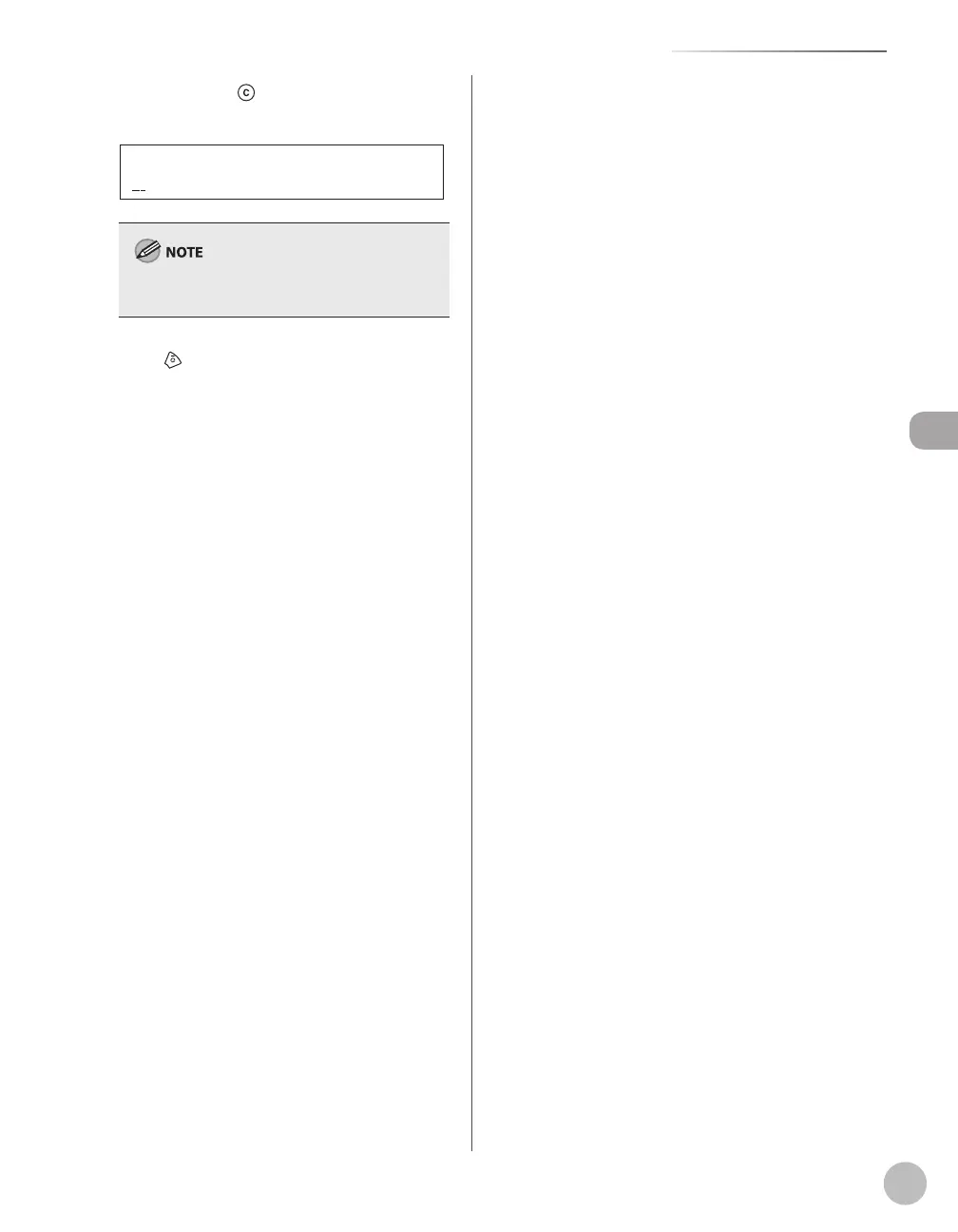
Press and hold [Clear] to erase the fax
number, then press [OK].
TEL NUMBER ENTRY
If you erase the fax number, the registered name
is cleared automatically.
Press [Stop/Reset] to return to the
standby mode.













 To Next Page