Chapter 4
4-10
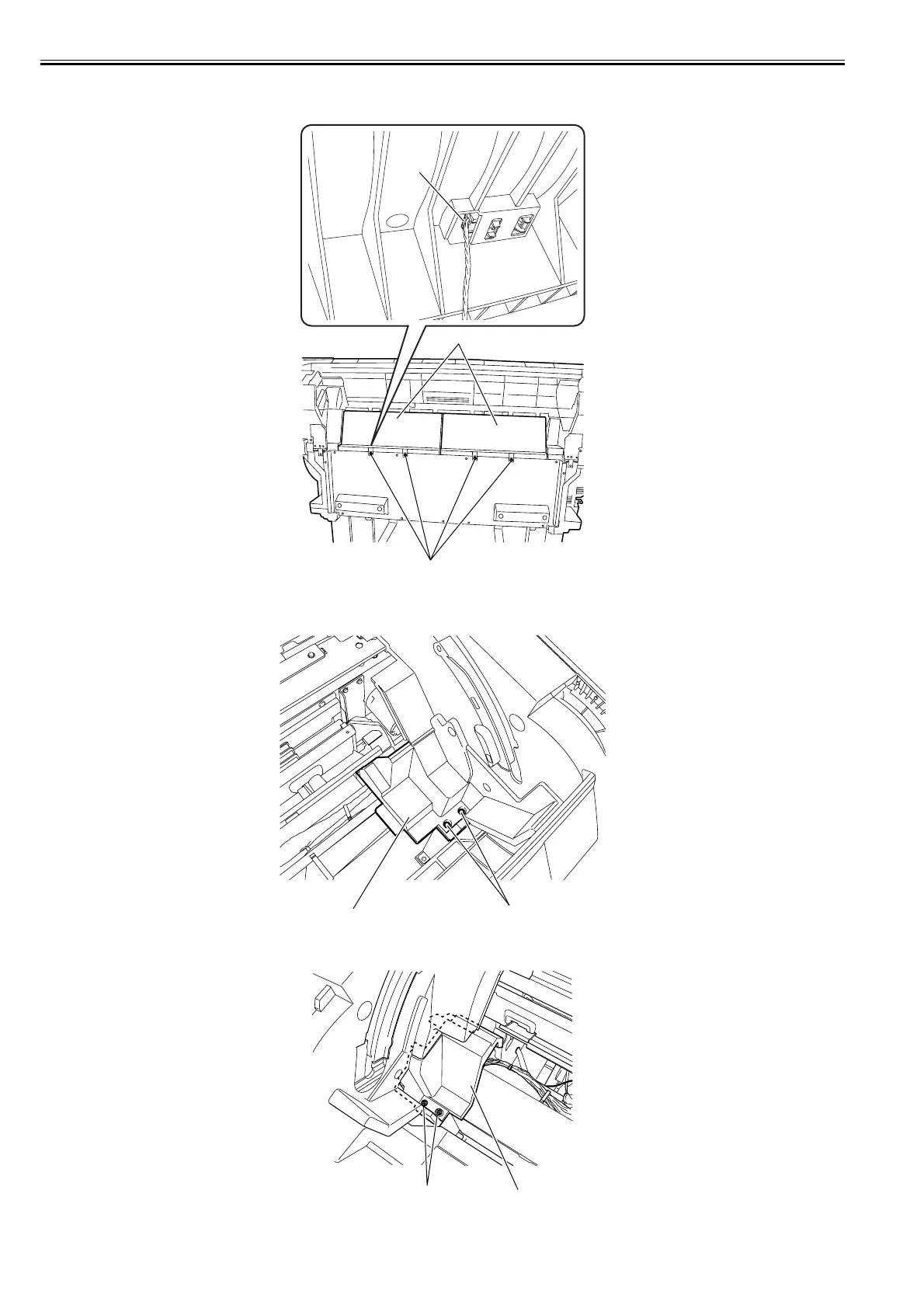
1) To remove the roll feed unit, remove the roll holder, and then remove the left/right cover and rear upper cover.
2) Remove four screws [1] and one connector [2], and then the feed guide [3].
F-4-18
3) Remove four screws [1], and then the left and right roll lower inner covers [2].
<Left roll lower inner cover >
F-4-19
<Right roll lower inner cover>
F-4-20
[2]
[3]
[1]
[2]
[1]
[1] [2]














 To Next Page