172
Contents
Preparation/
Setup
Print Using a
Computer
Appendix
IndexPrint/SaveInput/Edit
Names of
Components
Maintenance/
Printer Settings
Trouble-
shooting
4
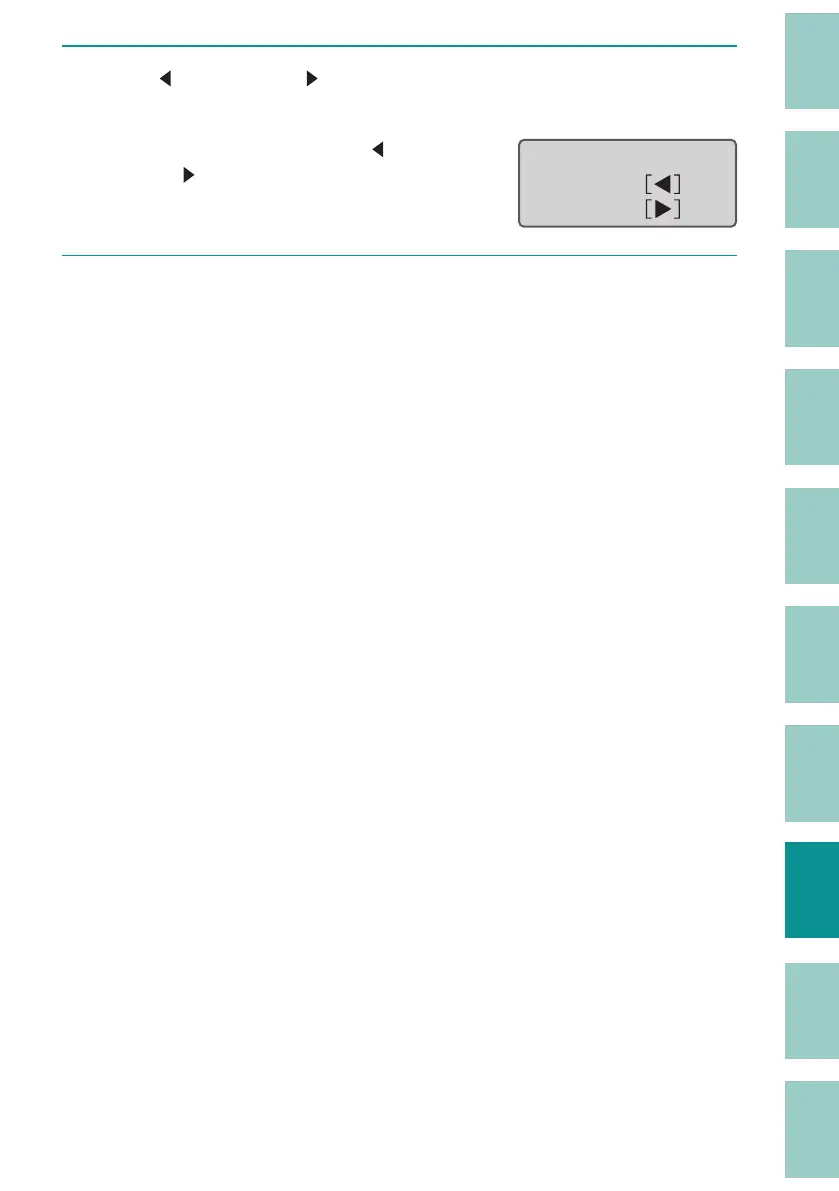
Use [ ] (Forward) or [ ] (Reverse) to feed the print media to the
desired position.
As long as you keep pressing [ ]
or [
], it will be fed forward or
backward continuously.
Forward:
Reverse:
Feed
5
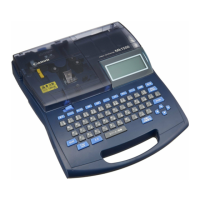
Press the [Shift]+[Cancel] keys.
The display returns to the character
input display.


 To Next Page