22
Contents
Preparation/
Setup
Print Using a
Computer
Appendix
IndexPrint/SaveInput/Edit
Names of
Components
Maintenance/
Printer Settings
Trouble-
shooting
2
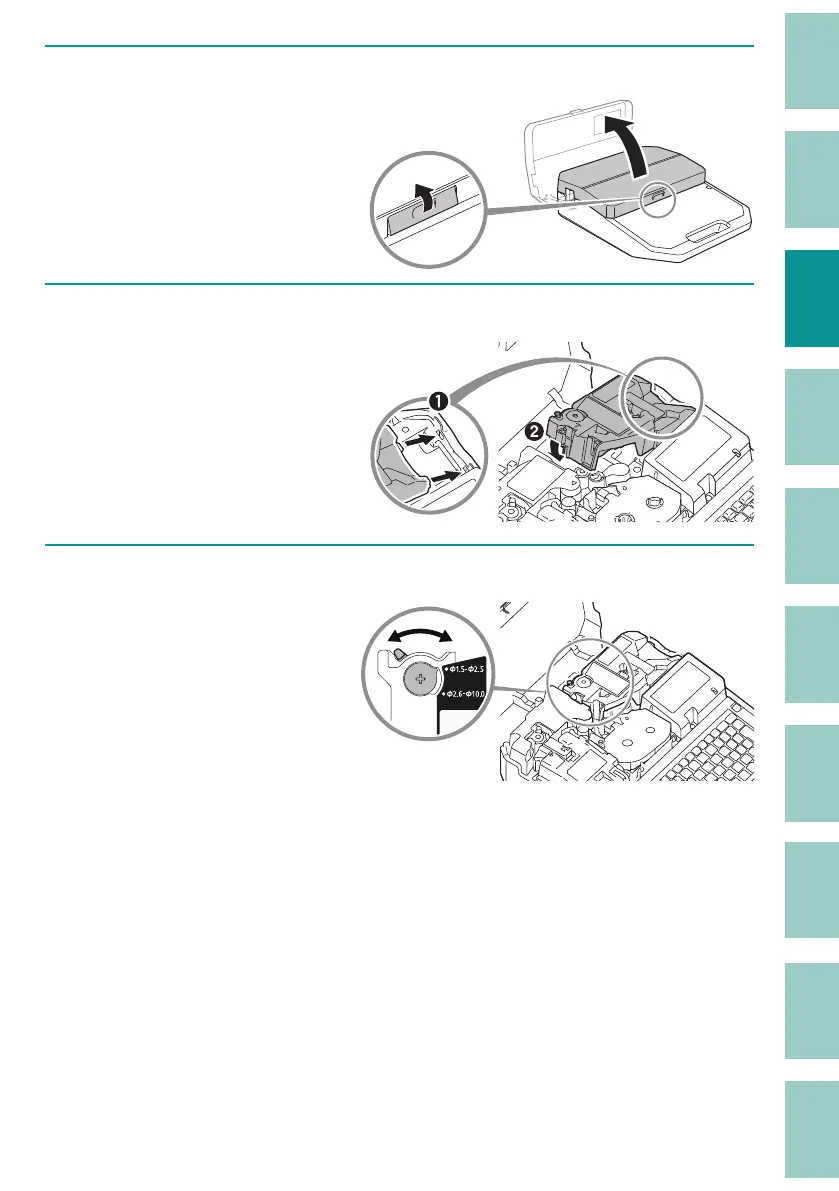
Open the cover.
3
Install the attachment into the printer.
Align the attachment with
the slot on the printer and
push it in rmly until it clicks
into place.
4
Set the size switch lever to match the size of the tube.



 To Next Page