83
Contents
Preparation/
Setup
Print Using a
Computer
Appendix
IndexPrint/SaveInput/Edit
Names of
Components
Maintenance/
Printer Settings
Trouble-
shooting
6
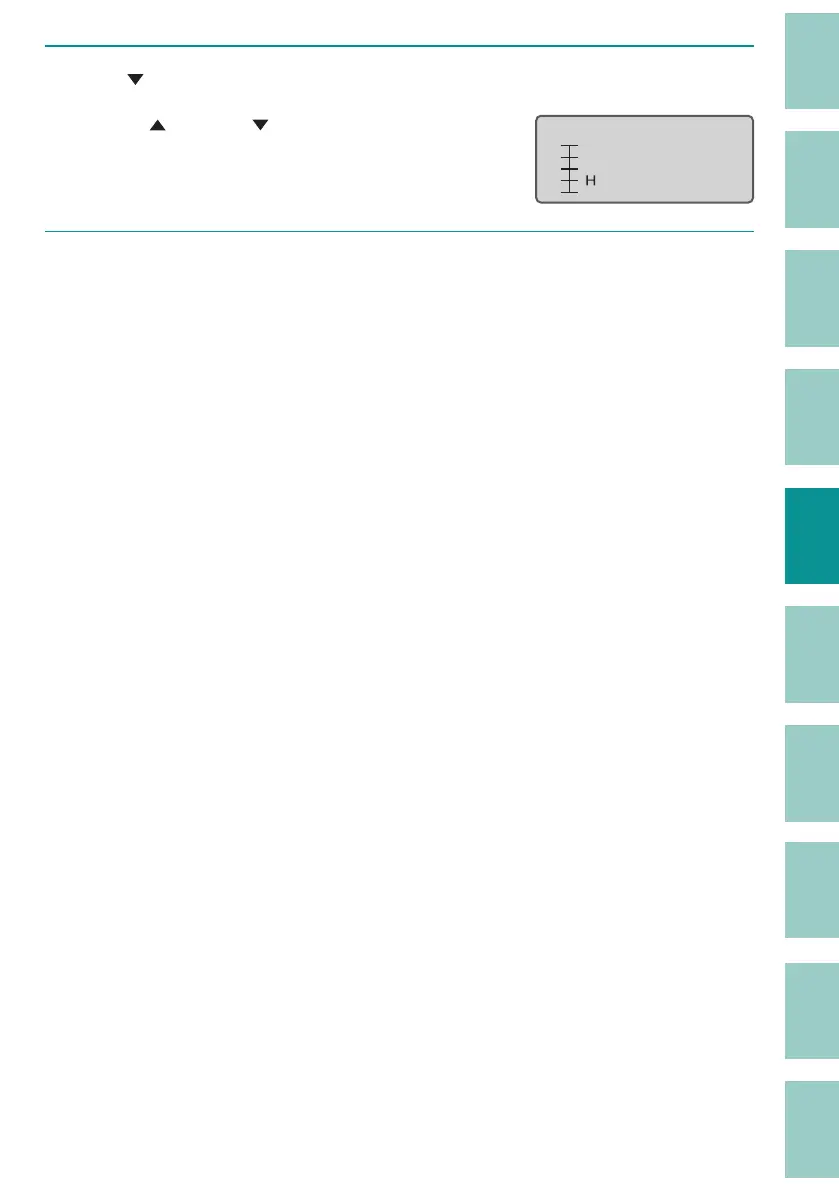
Use [ ] to display "Down 0.5 mm" and press the [Enter] key.
Use [ ] (upward)/[ ] (downward) to enter the
adjust value.
You can adjust the range from 1.0 mm upward
t
o 1.0 mm downward in 0.1 mm increments.
Vertical adjust
ɻɻ
[ɻ Down 0. 5ᶳ]
7
Press the [Shift]+[Cancel] keys.
The display returns to the character input
display.



 To Next Page