4-10 Sending Faxes With the MultiPASS C3500 Chapter 4
Cancel Sending
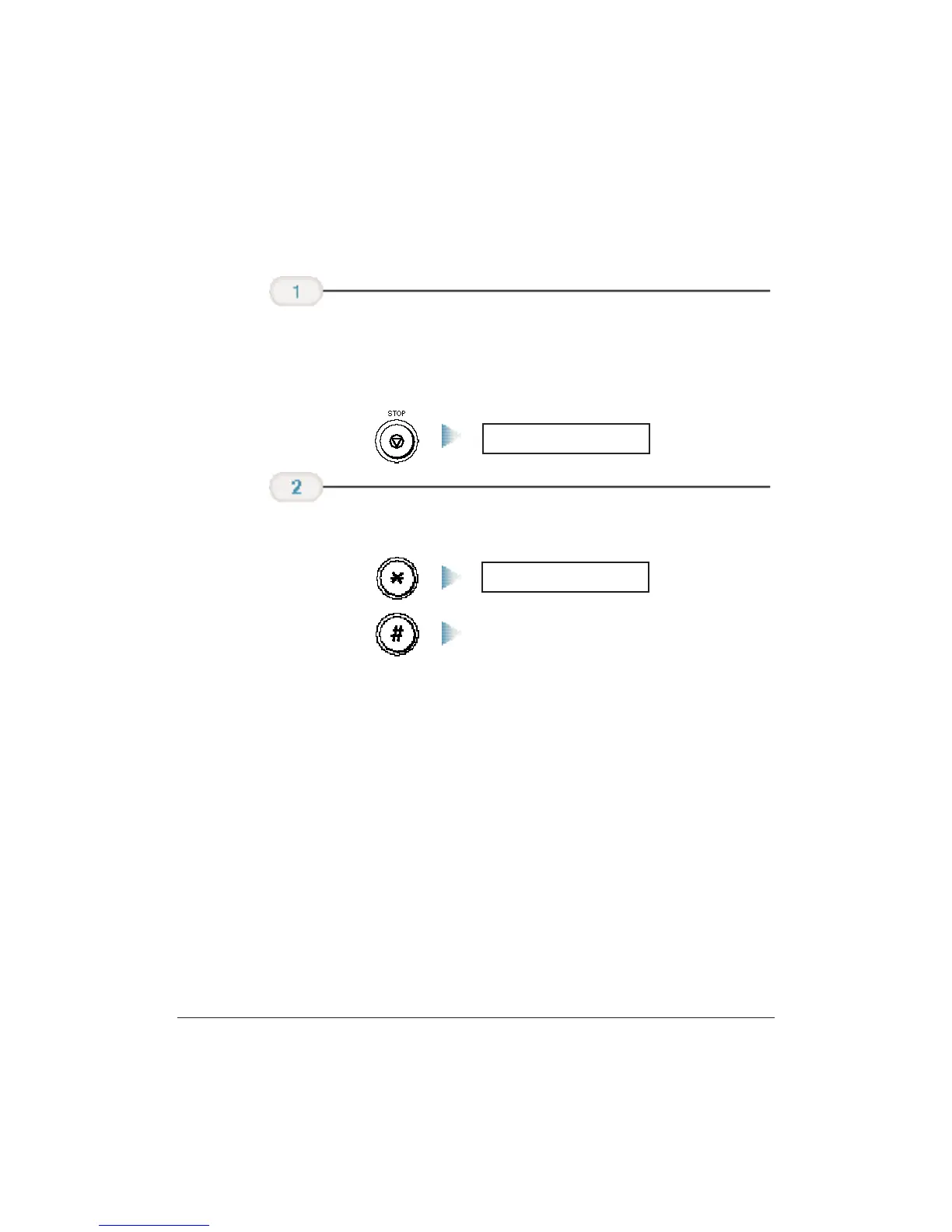
To stop sending before a fax is complete,follow these steps:
❍ If you are sending manually, the transmission is cancelled
immediately.
❍ If you are sending from memory, the LCD displays:
❍ Press
*
to cancel or press # to continue the transmission.
Transmission continues.
If you press
STOP while the document is being scanned, you may need
to open the operator panel to remove the document (see page 10-3).
TX/RX CANCELLED
Press
*
or #.
YES = (*) NO = (#)
Press STOP.












 To Next Page