7-38 Working With Documents in the Desktop Manager Chapter 7
Removing an Annotation
If you decide you no longer want an item to appear in a document, you
can remove it permanently by selecting it,then pressing the
Delete key.
Reverting to the Last Saved Version
If you are dissatisfied with changes that you have made to your
document, you can discard them and return to the last saved version.
Choose the Revert to Original command from the File menu.
Printing the Document
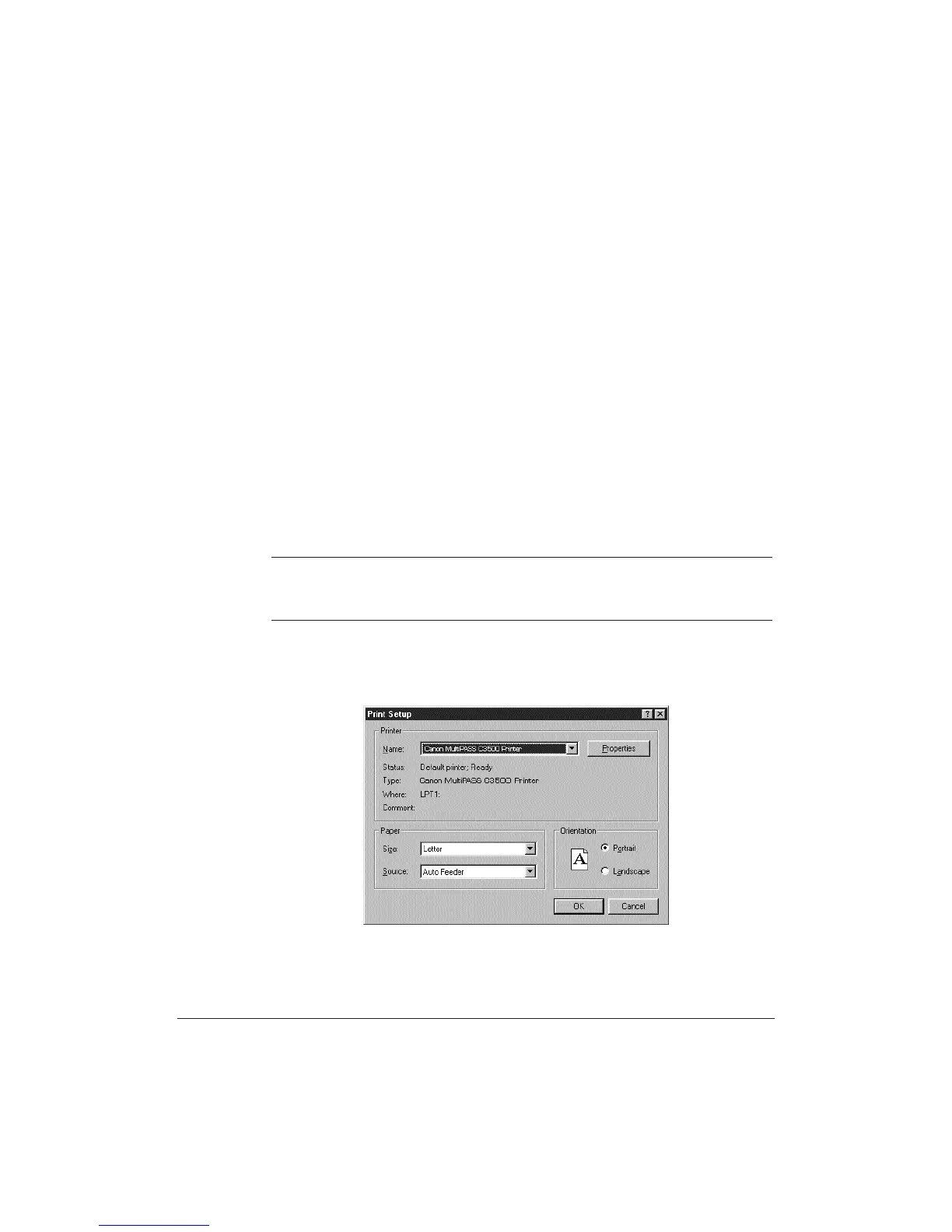
You can print a copy of the document currently open in the MultiPASS
Viewer, with or without any annotations you may have created.Prior to
printing, you can specify certain print setup options.
N
To print the document without annotations, you must select Hide
Annotations from the View menu prior to printing. (To do so, the
Annotation toolbar must be closed.)
On the File menu, click Print or Print Setup. Specify your print options
and click OK.












 To Next Page