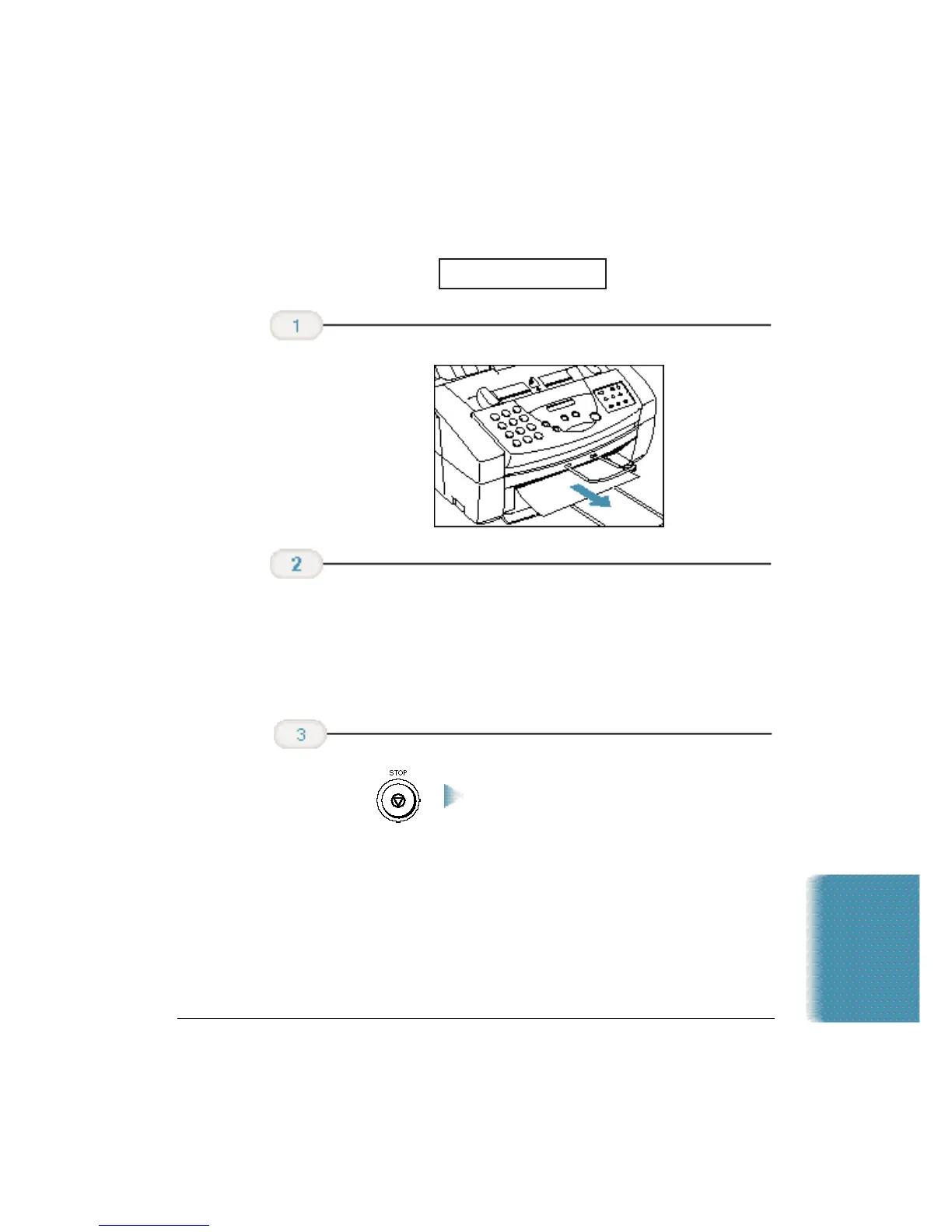
Jams in the Sheet Feeder
❍ Fan the paper, and tap it on a flat surface to even out
the stack.
❍ Reinsert the paper into the sheet feeder. Make sure you
adjust the paper guide to the stack, and that the stack
does not exceed the limit mark.
This clears the error message.
❍ If the
ALARM
light is on, press
RESUME
to eject the page
and clear the error message.
❍ If you are printing from a Windows application, follow
any instructions displayed on your computer.
If the paper jam occurred while a fax was being received, the MultiPASS
will store the fax in memory and print it when the jam is cleared.
Press STOP
or RESUME.
Remove the stack
of paper from the
sheet feeder.
Gently pull any
jammed paper out
of the unit.
CLEAR PAPER JAM
Troubleshooting
Chapter 10 Troubleshooting 10-5












 To Next Page