1-14 Introduction Chapter 1
❍ Remove all staples,paper clips, and the like before feeding the
document.
❍ Make sure any glue, ink, or correction fluid on the paper is
completely dry before feeding the document.
❍ Make a photocopy of any document that will not feed into the
MultiPASS.You can then feed the copy.
❍ Do not feed documents with pages that are different sizes or of
different thicknesses.
Loading the Document
You can load up to 30 letter or A4 size sheets and up to 10 legal size
sheets at a time into the Automatic Document Feeder (ADF).
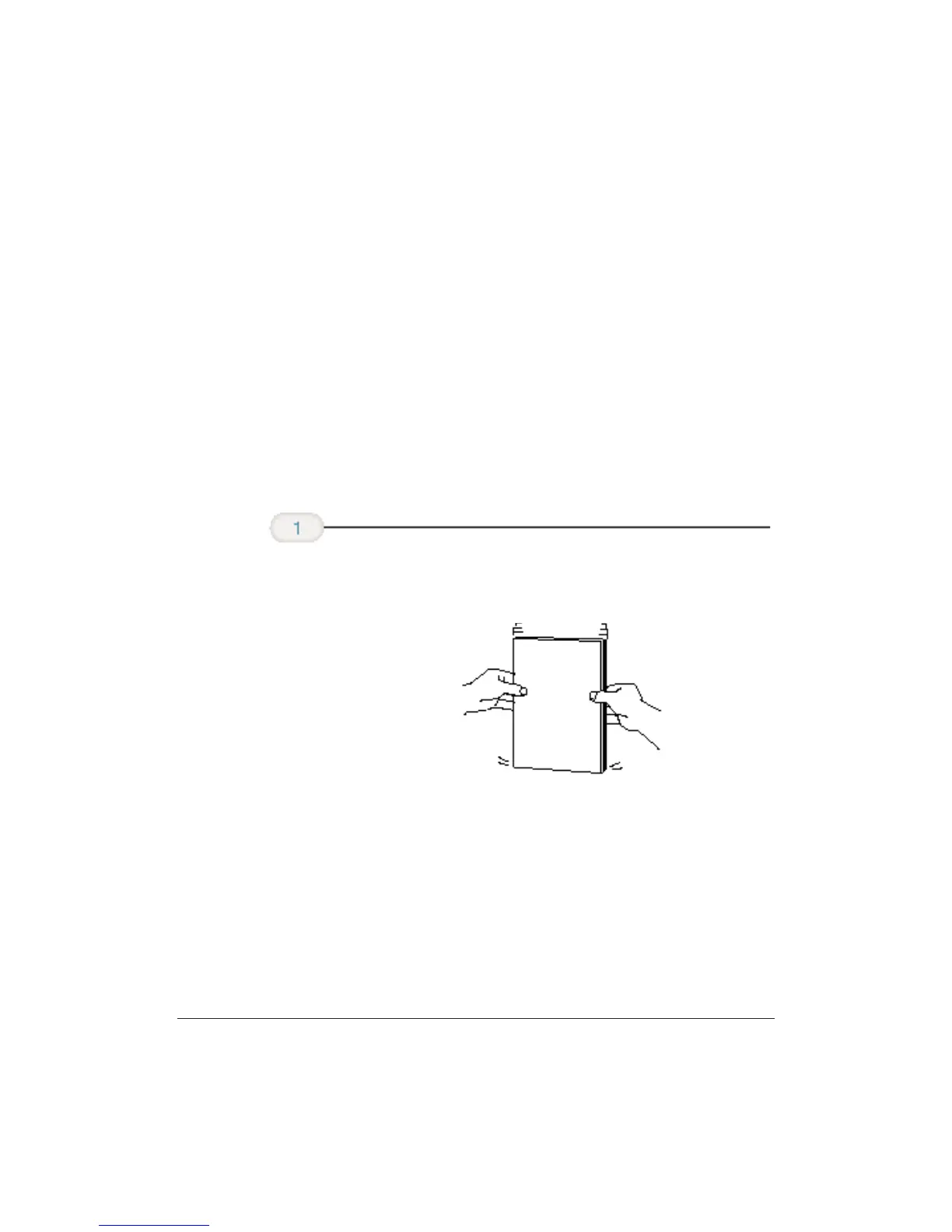
❍ For a multiple-page document, fan the sheets and tap the
document on a flat surface to even the stack.
Stack your
documents.












 To Next Page