Entering Your User Information
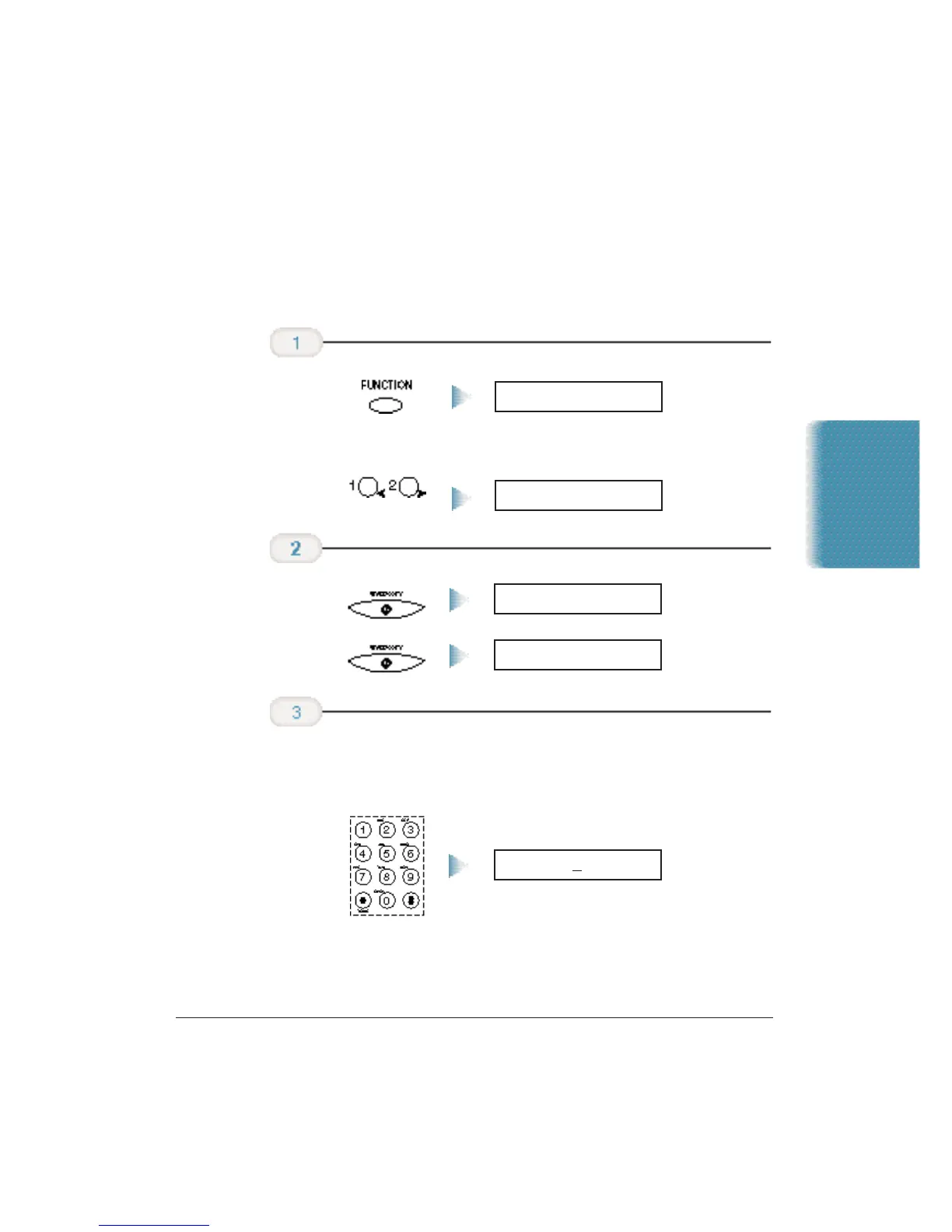
Follow the steps below to set the date and time for your MultiPASS and
to enter your fax number and your name. The date and time appear in
the LCD display as well as on the documents you send.Your fax number
and name appear on each document you send.
❍ Use the month-day-year format (mm/dd/yy).
❍ Precede single digits with a zero.
11/15/98 00:00
Enter today’s
date and the
time using the
numeric buttons.
06/08/98 15:36
DATE & TIME
Press
START/COPY
twice.
USER SETTINGS
Then press
the > button.
FUNCTION
Press FUNCTION
on the one-touch
speed dialing
keypad.
Stand-alone Fax
Appendix B Using the MultiPASS C3500 as a Stand-alone Fax B-3












 To Next Page