4-30 Sending Faxes With the MultiPASS C3500 Chapter 4
Displaying the Fax Log
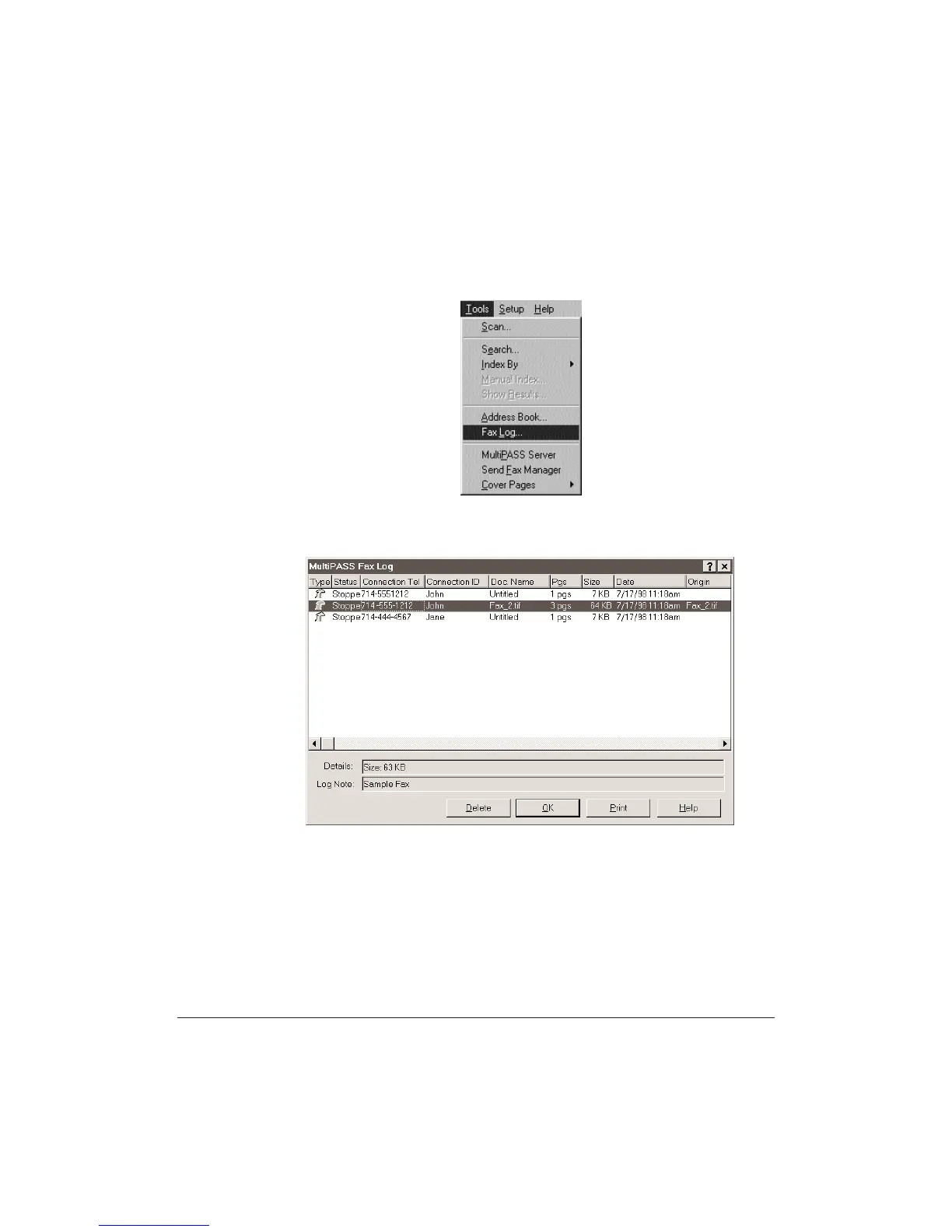
In the Desktop Manager, choose the Fax Log command from the Tools
menu or the toolbar.
You see a screen similar to this:
❍ To display details and log notes about a particular fax document,
click the fax to highlight it.
❍ To delete an entry, highlight the entry and click Delete.
❍ To close the Fax Log, click OK.
❍ To print a hard copy of the Fax log, click Print.












 To Next Page