7-30 Working With Documents in the Desktop Manager Chapter 7
Adding Annotations to Your Document
To annotate a document through the MultiPASS Viewer, you must click
on the Annotate button on the Image toolbar. The Annotation Tools are
then displayed on the screen and the Annotation menu is added to the
menu bar.
The following sections describe the various ways you can annotate your
document.
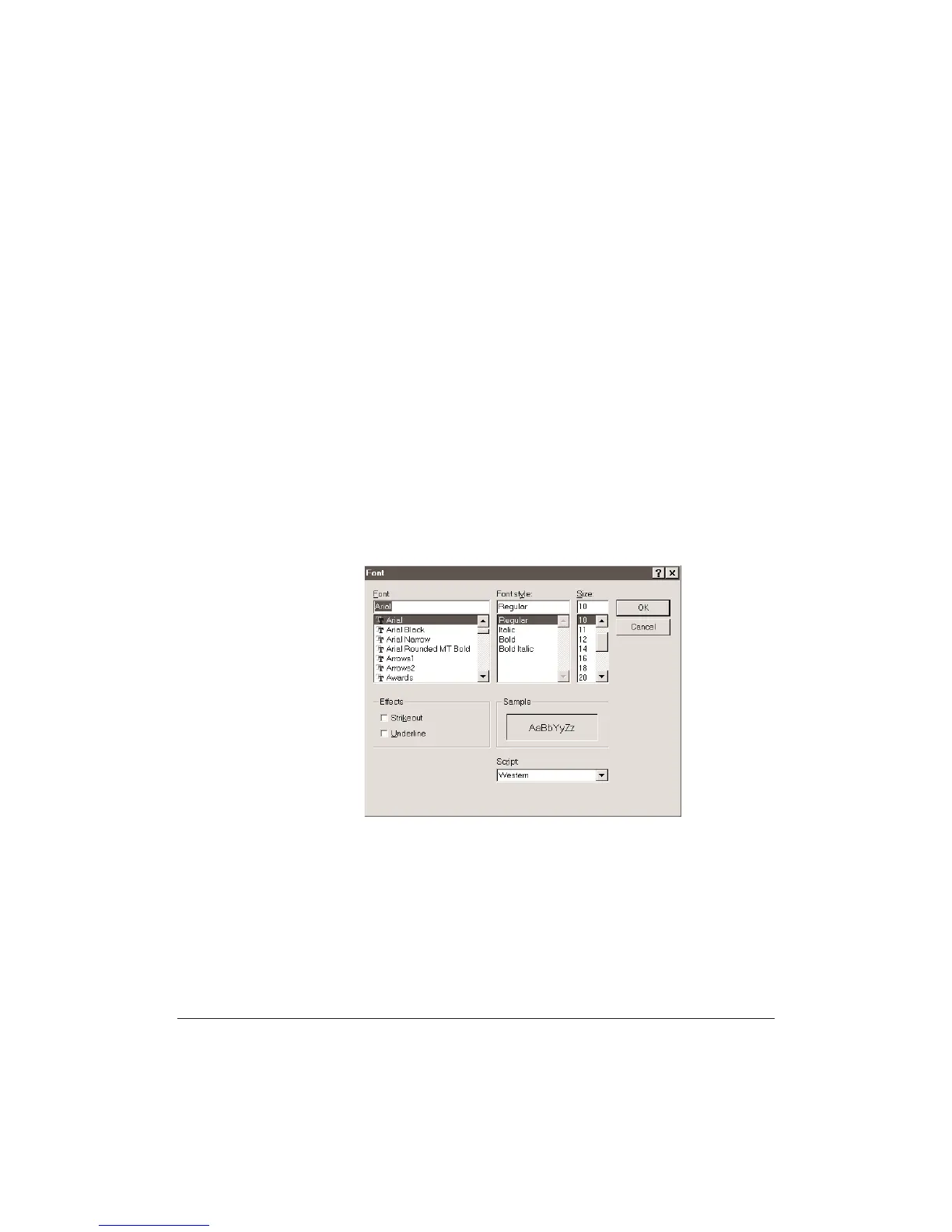
Setting Font Defaults
In adding annotations to your document, you can use a number of
different text tools. Each tool includes options for adjusting font style,
size, and effects. Additionally, you can also select a set of font properties
to be used as defaults whenever font properties are not customized for a
particular tool.
1. Choose the Select Font command from the Annotation menu.
2. In the Font dialog box, select your preferred options.
3. Click OK.












 To Next Page