Chapter 2 Printing With the MultiPASS C3500 2-23
Printing
Manually Feeding Paper
You use the manual feed function when printing on heavier-weight print
media (24 lb to 28 lb or 90 g/m
2
to 105 g/m
2
).
N
You cannot receive faxes when paper is loaded in the manual feed slot.
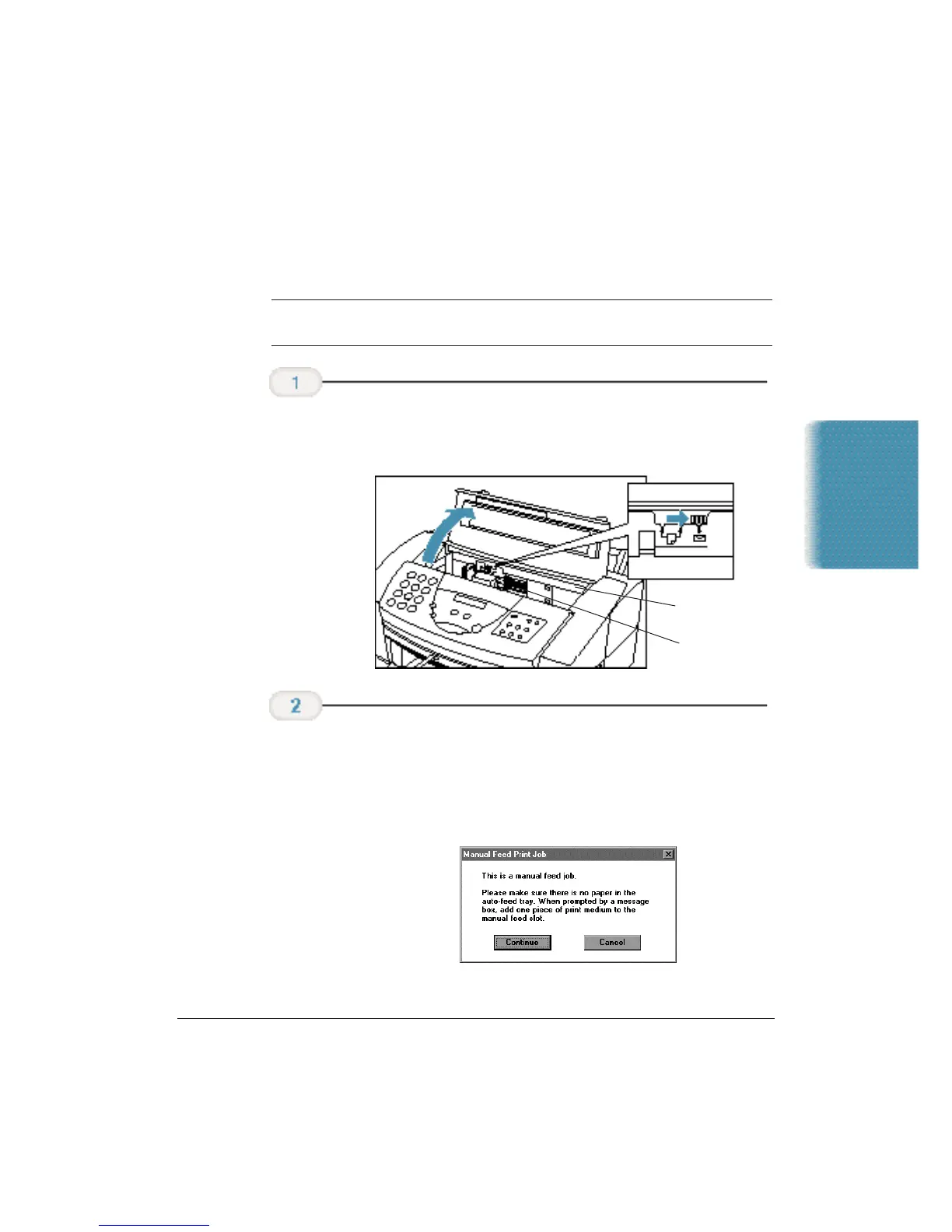
❍ If you are manually feeding heavier-weight print media,
set the paper thickness lever to the right.
❍ If you are using Windows, you must select Manual Feed
in the MultiPASS Printer Driver for the printer to accept
manually fed paper.
❍ You will see this screen:
❍ Remove any paper in the sheet feeder and click Continue.
Start your
print operation.
Check the paper
thickness lever.
DO NOT TOUCH
THE GUIDE RAIL
DO NOT TOUCH
THE RIBBON
CABLE












 To Next Page