2-24 Printing With the MultiPASS C3500 Chapter 2
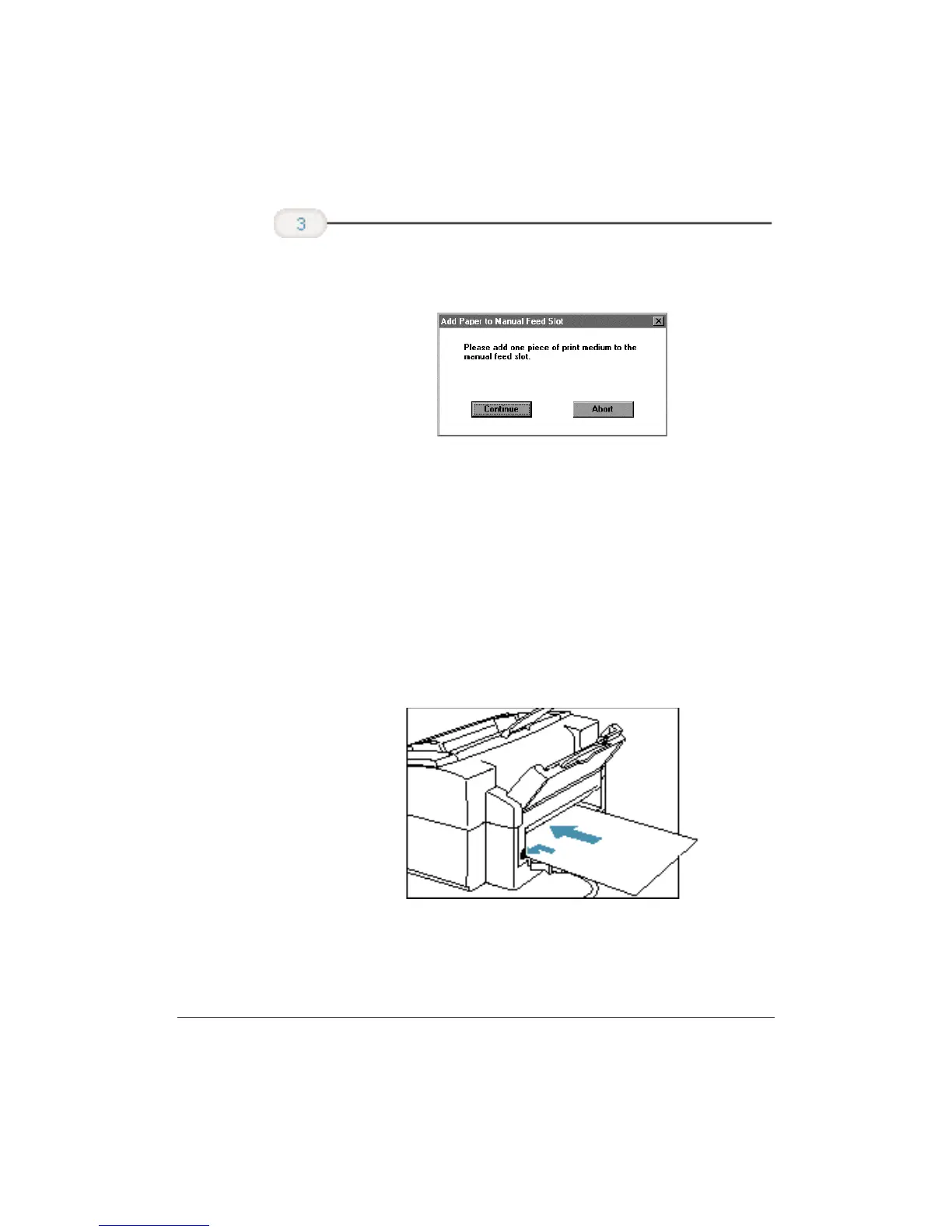
❍ You see this screen approximately 5 seconds after clicking
Continue.
❍ Make sure the print side is facing up.
❍ Align the sheet with the left edge of the manual feed slot,
and keep the leading edge of the paper perpendicular to
the left edge.
❍ Slide the paper into the manual feed slot in the back of
the printer until it stops.
❍ Hold the sheet for about two seconds until it feeds
automatically.
❍ The printer will automatically load the paper into
position.
❍ When ready, click Continue in the Add Paper dialog box.
After printing on thick paper or envelopes, set the paper thickness lever
(inside the printer) back to the left or center position before printing on
other paper types.
When you are
prompted, insert
the single sheet.












 To Next Page