3-12 Using the MultiPASS Desktop Manager Chapter 3
Setting Up the Address Book
One of the first things you'll want to do in the Desktop Manager is set
up your Address Book.Setting up an Address Book creates an easily
accessible list of names and fax/phone/e-mail numbers for all of your
business and personal contacts.Using the entries from the Address Book
makes sending a PC fax quick and easy.
Opening the Address Book
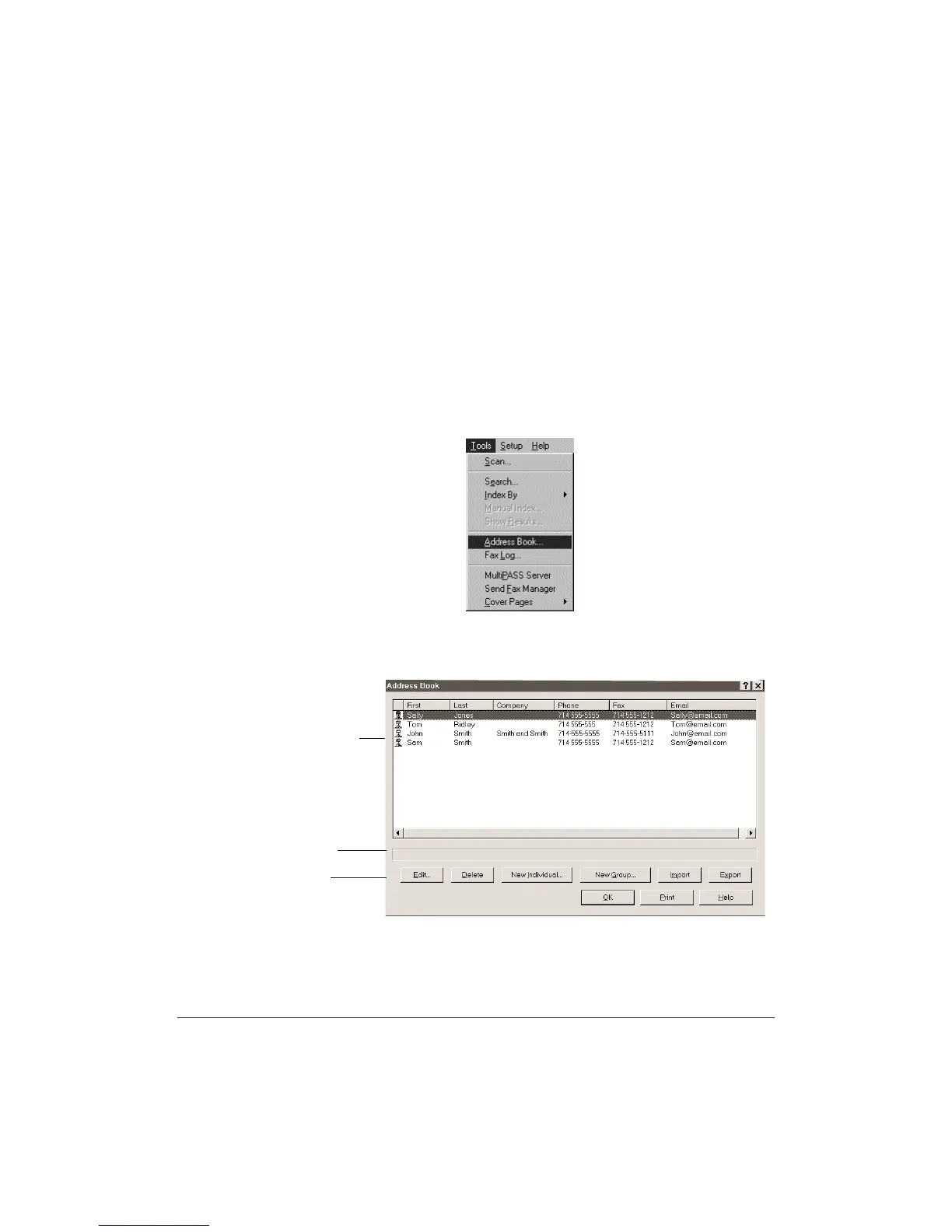
On the Tools menu or toolbar, click Address Book.
You see a screen similar to this:
ADDRESS BOOK
ENTRIES
STATUS BAR
COMMAND
BUTTONS












 To Next Page