Maintaining the
MultiPASS C3500
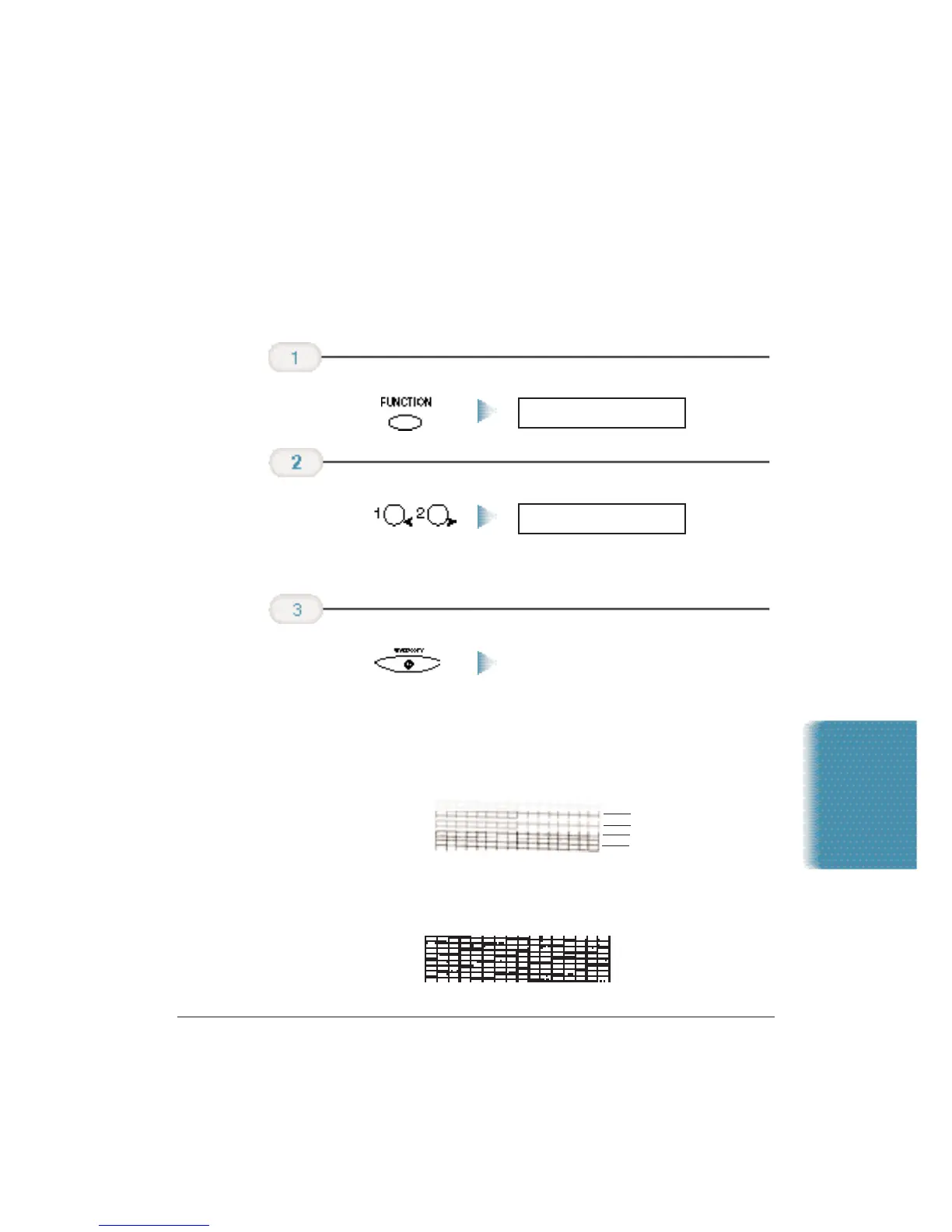
Printing the Nozzle Check
Use this test print to check that each print head nozzle is operating
properly.
Make sure the MultiPASS is plugged in.
The pattern starts printing.
When the BC-21e Color BJ Cartridge is installed, the pattern includes all
four colors: yellow, magenta,cyan, and black. In the color pattern,you’ll
notice that lines are missing between the colors.This is normal.
The following sample shows the Nozzle Check when the optional BC-20
Black BJ Cartridge is installed.
Press
START/COPY.
NOZZLE CHECK
Press either of the
< > buttons until
NOZZLE CHECK
appears in the LCD.
FUNCTION
Press FUNCTION.
Chapter 9 Maintaining the MultiPASS C3500 9-7
YELLOW
MAGENTA
CYAN
BLACK












 To Next Page