9-8 Maintaining the MultiPASS C3500 Chapter 9
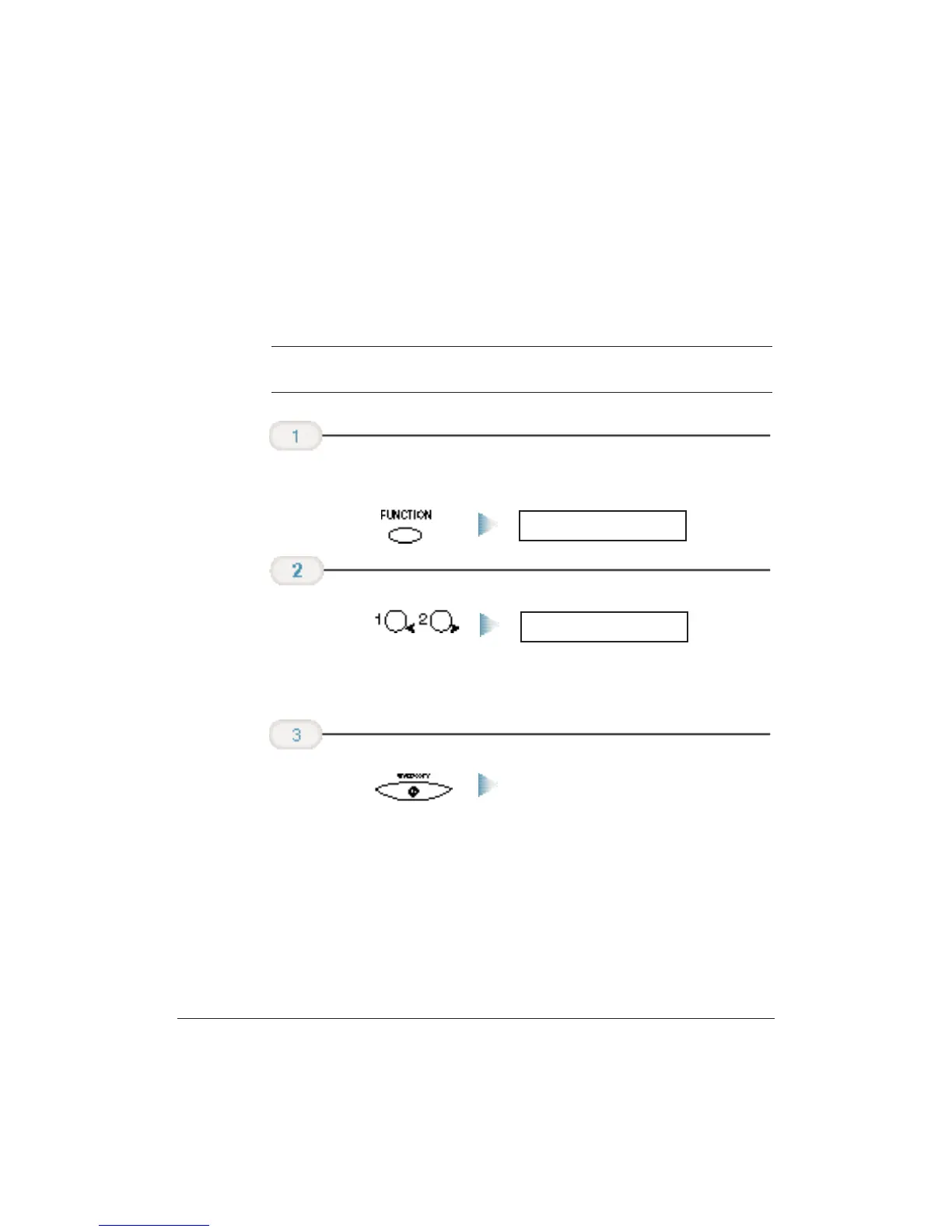
Cleaning the BJ Cartridge Print Head
To maintain the best possible print quality, you need to clean the
BJ cartridge print head from time to time.Your MultiPASS is
equipped with a print head cleaning function. If you notice some
degradation in the print quality, try cleaning the print head.
C
Cleaning the print head consumes a small amount of ink. Cleaning too
often reduces the amount of ink in the BJ cartridge.
❍ Make sure the MultiPASS is plugged in.
The unit cleans the print head.
❍
When cleaning ends, the MultiPASS beeps once to let you
know it is done,and returns to Standby mode.
❍ Do this five consecutive times if necessary.
❍ If the problem persists, install a new BJ cartridge.
Press START/COPY.
HEAD
CLEANING
Press the < or >
button until
HEAD CLEANING
appears in the
LCD display.
FUNCTION
Press FUNCTION.












 To Next Page