Chapter 7 Working With Documents in the Desktop Manager 7-3
Printing a Document in the Desktop Manager
You can print a document from any folder in the Desktop Manager.
1. In either Document View or List View, do one of the following.
•
Click the document you want to print; this highlights the
document. Then, choose the Print command from the File
menu.
•
Drag the document to the Print button on the Process toolbar.
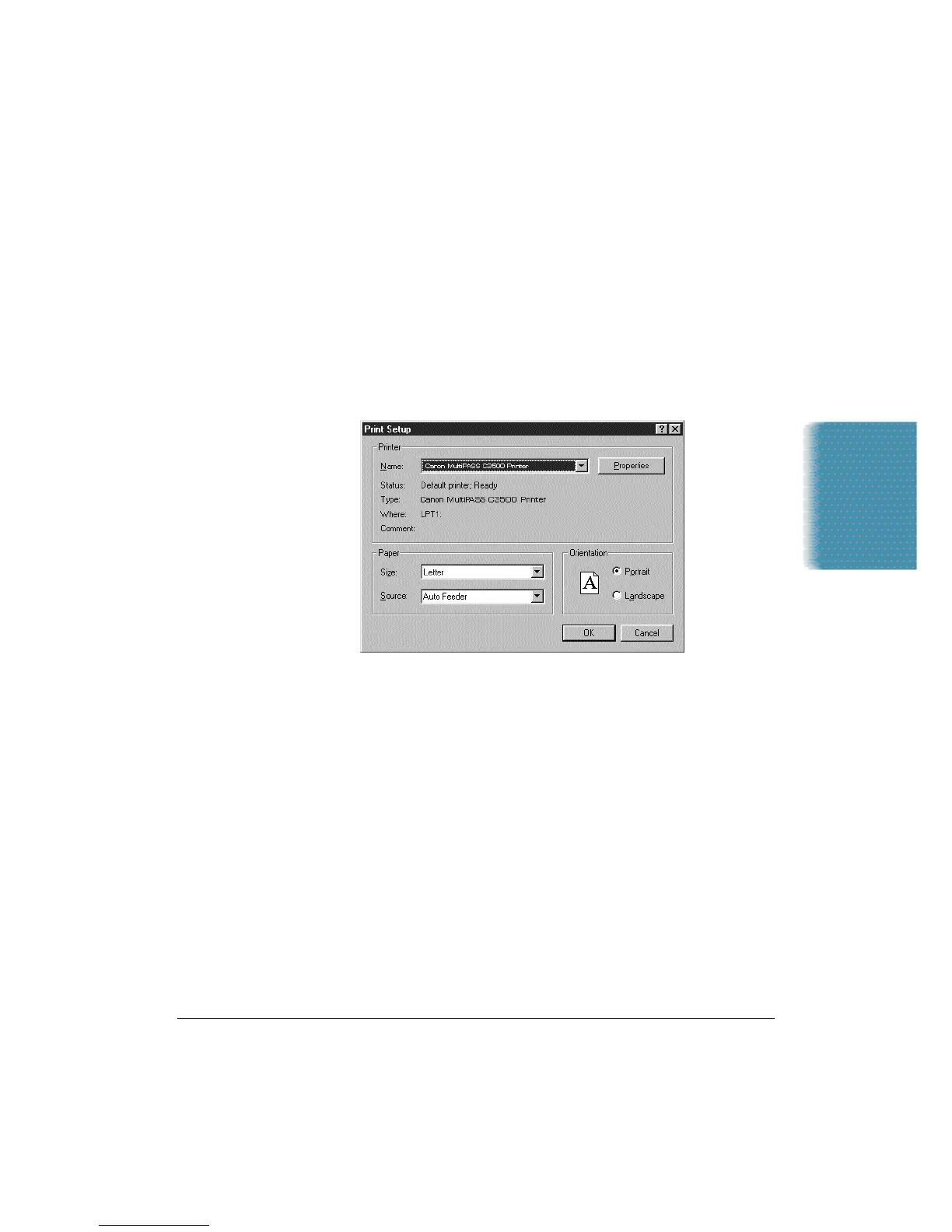
2. In the Print dialog box,make sure the Canon MultiPASS C3500
Printer is selected, and click OK.
Documents in
Desktop Manager












 To Next Page