Chapter 2 Printing With the MultiPASS C3500 2-31
Printing
❍ When the output guides are raised, the output tray can hold a
maximum of 30 sheets.
❍ When you finish using the BC-22e Photo or BC-29F Neon
BJ Cartridge with High Resolution Paper, lower the output
guides to their original position.
❍ Always lower the paper guides when using the MultiPASS as a
fax machine. The guides may cause paper to pile up and jam.
Using the Cleaning Sheet
Canon’s High Resolution Paper HR-101 is designed for high quality
printing. This paper is specially coated to produce delicate color output.
After using a package of High Resolution Paper (200 sheets), you need
to use the cleaning sheet enclosed with the paper to remove paper dust
from the printer’s rollers; this will help prevent paper feed problems.
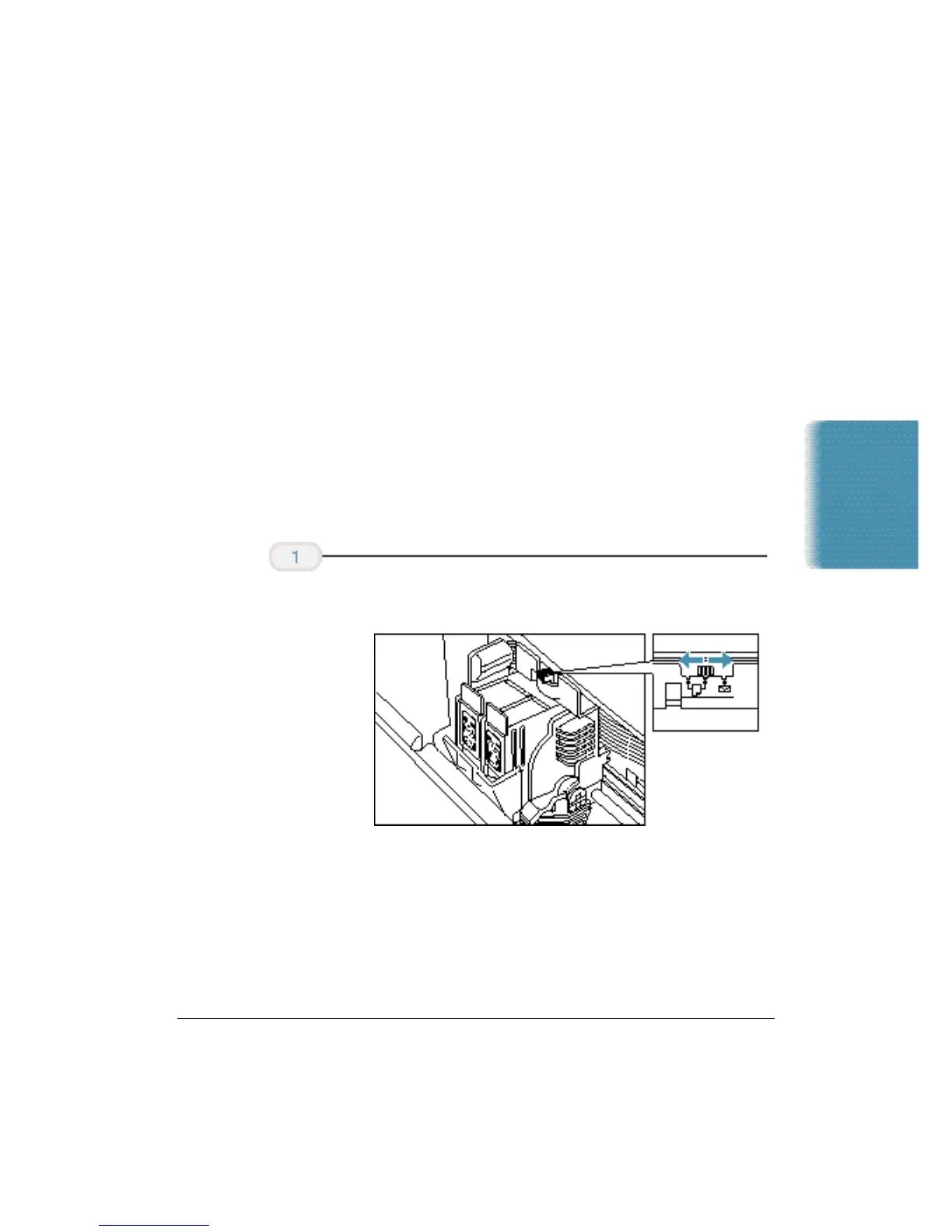
❍ Make sure the paper thickness lever is to the center.
Set up
the printer.












 To Next Page