5-8 Receiving Faxes Chapter 5
Printing a Received Fax When Your Computer Is Off
When a document is in its memory, the MultiPASS displays the message
REC’D IN FILE and alternately flashes the date.
To upload the fax to the MultiPASS Desktop Manager, simply turn on
the computer.
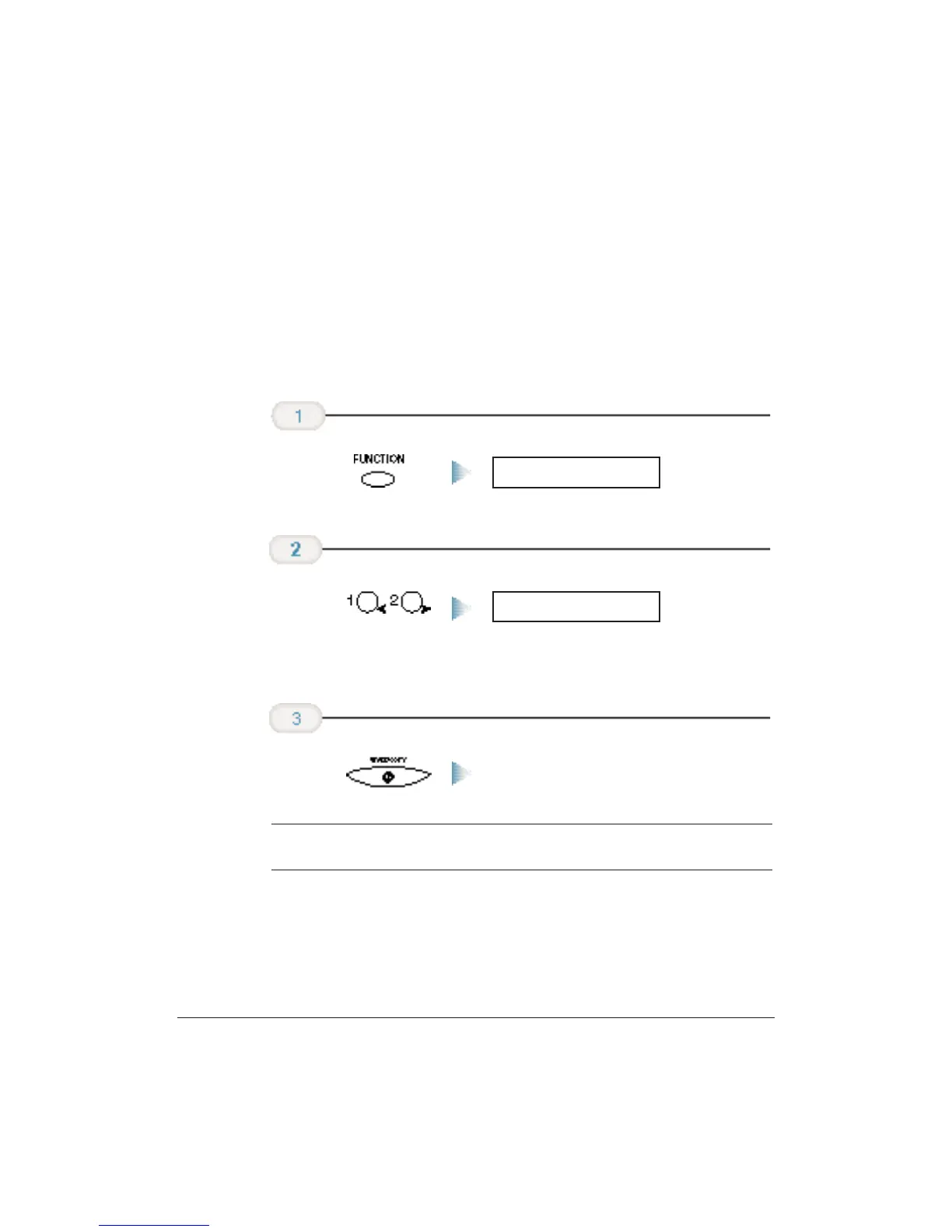
If you want to print a fax that is stored in memory in the MultiPASS
without turning on the computer, follow these steps:
The MultiPASS begins printing the
document.
N
Once the MultiPASS prints a fax, it erases the fax from its memory.
Press START/COPY.
FILE PRINT
Press < or > on
the one-touch
speed dialing
keypad.
FUNCTION
On the MultiPASS,
press the
FUNCTION key.












 To Next Page