2-16 Printing With the MultiPASS C3500 Chapter 2
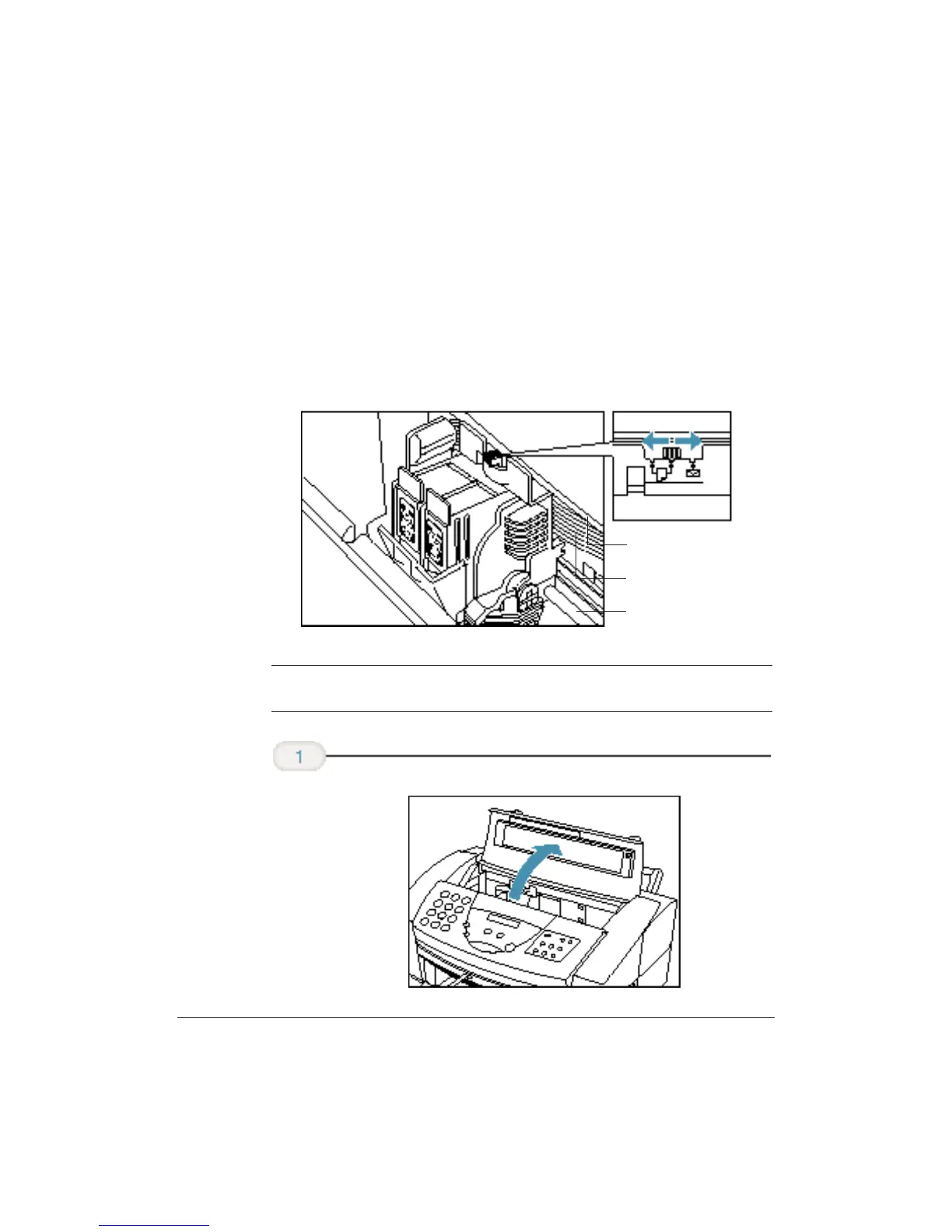
Setting the Paper Thickness Lever
To ensure trouble-free paper handling, you’ll want to set the paper
thickness lever before loading paper.
❍ Center for color BJ cartridges
❍ Left for black BJ cartridges
❍ Right for heavier-weight print media or envelopes
N
Be sure to check this lever when you change BJ cartridges, and before
and after printing on heavier-weight print media or envelopes.
Open the
printer cover by
grasping the
paper guides
and lifting up.
DO NOT TOUCH THE
GUIDE RAIL
DO NOT TOUCH THE
RIBBON CABLE
DO NOT TOUCH THE
ROUND SHAFT












 To Next Page