Chapter 9 Maintaining the MultiPASS C3500 9-9
BJ Cartridge Guidelines
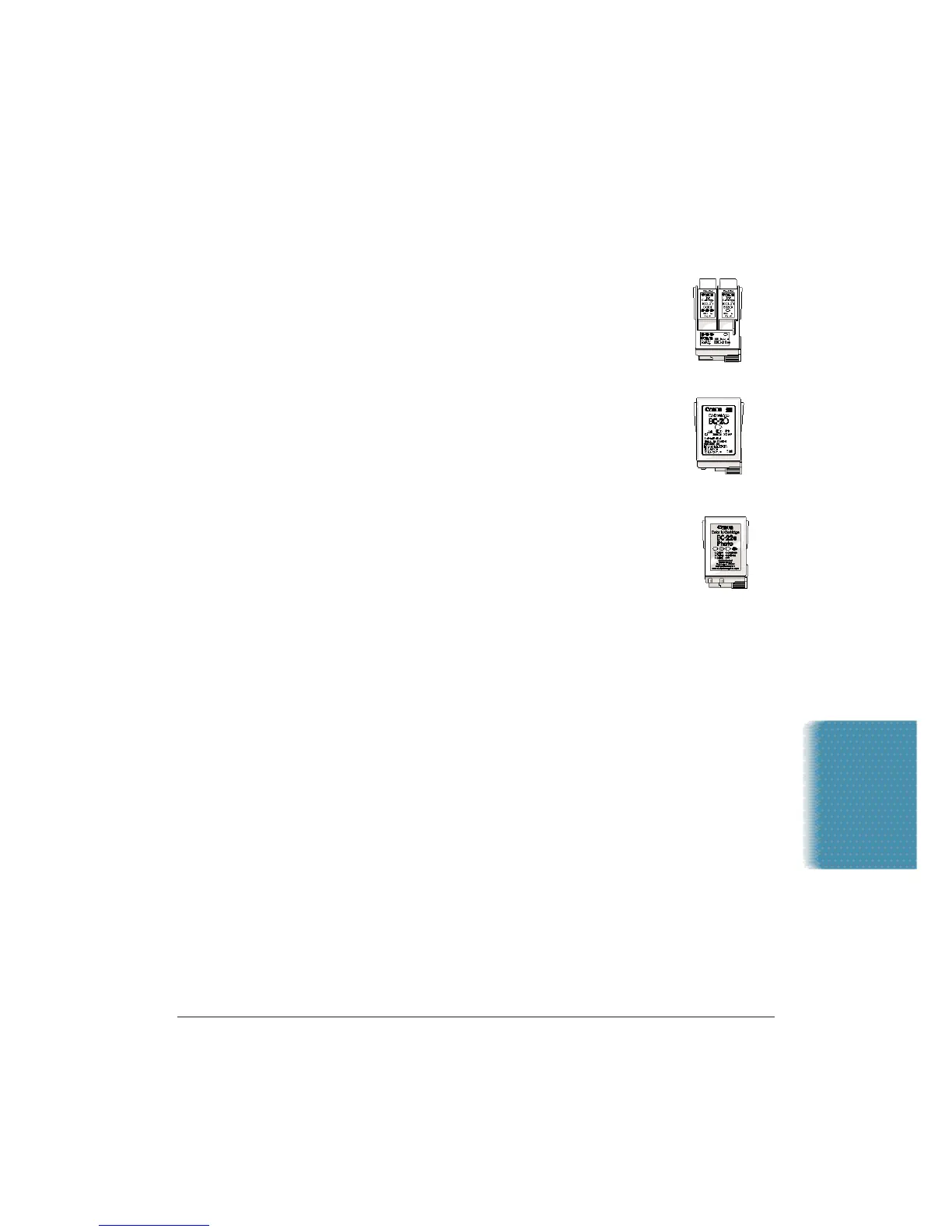
You can use these cartridges with the MultiPASS:
❍ BC-21e Color BJ Cartridge
Contains the print head unit and two replaceable
BJ tanks, one color (cyan, magenta, yellow) and
one black.You can replace the BJ tanks without
replacing the print head unit when you run out of
ink.
❍ BC-20 Black BJ Cartridge
Contains the print head unit and black ink only. Use
this optional cartridge when you will be printing
with black ink only and for fast, five page per minute
printing.When you run out of ink,you replace the
complete cartridge.
❍ BC-22e Photo BJ Cartridge
Contains the print head unit and color and black
inks. Use this optional cartridge when you want to
produce photo-realistic color printing. When used
with Canon’s High Resolution Paper (HR-101), this
ink produces images comparable to your favorite
photographs. When you run out of ink,you replace the complete
cartridge.
❍ BC-29F Neon BJ Cartridge
Contains the print head unit and neon color and black inks.Use this
optional cartridge when you want to add hot new colors to
everything from your business graphs to stickers for your kids.
These amazing, bright fluorescent colors make your pictures, graphs,
and fun images really stand out.When you run out of ink,you
replace the complete cartridge.
Maintaining the
MultiPASS C3500












 To Next Page