7-16 Working With Documents in the Desktop Manager Chapter 7
Assigning Index Criteria to Documents
After setting up your index entries, you can assign them to your
documents.You can index your documents by creator, owner, or
keyword.
1. In the Desktop Manager, click the document for which you want to
add index entries.
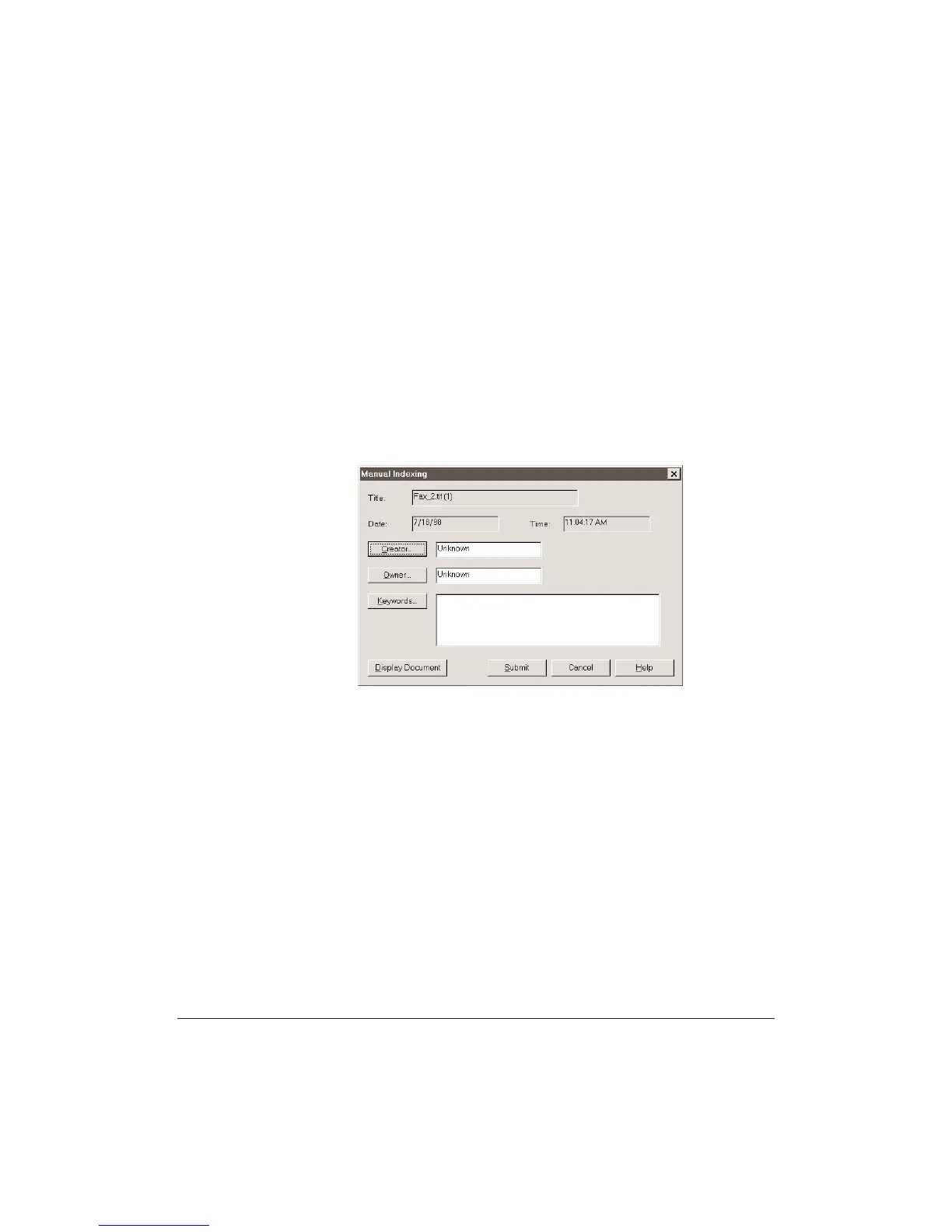
2. On the Tools menu, click Manual Index.
•
The Manual Indexing dialog box for this document displays
showing you the existing Creator, Owner, and any Keywords
assigned to the document.
3. If you want to review this document, click Display Document.












 To Next Page