Chapter 7 Working With Documents in the Desktop Manager 7-17
Documents in
Desktop Manager
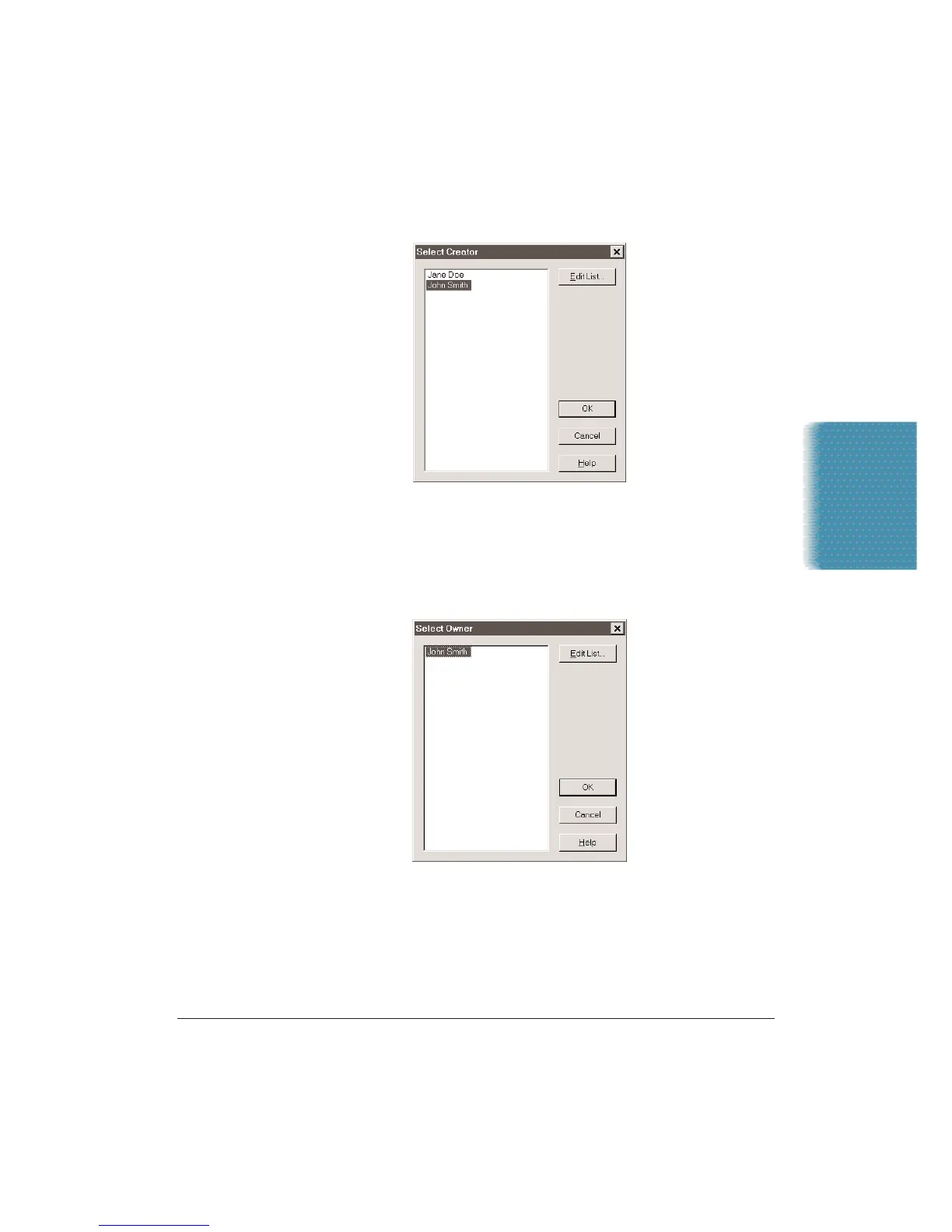
4. To change the Creator of the document, click the Creator button.
•
Highlight the creator you wish to assign to the document and
click OK.
•
To edit the Creator list, click Edit List. (See page 7-13.)
5. To change the Owner of the document, click the Owner button.
•
Highlight the owner you wish to assign to the document and
click OK.
•
To edit the Owner list, click Edit List. (See page 7-14.)












 To Next Page