7-18 Working With Documents in the Desktop Manager Chapter 7
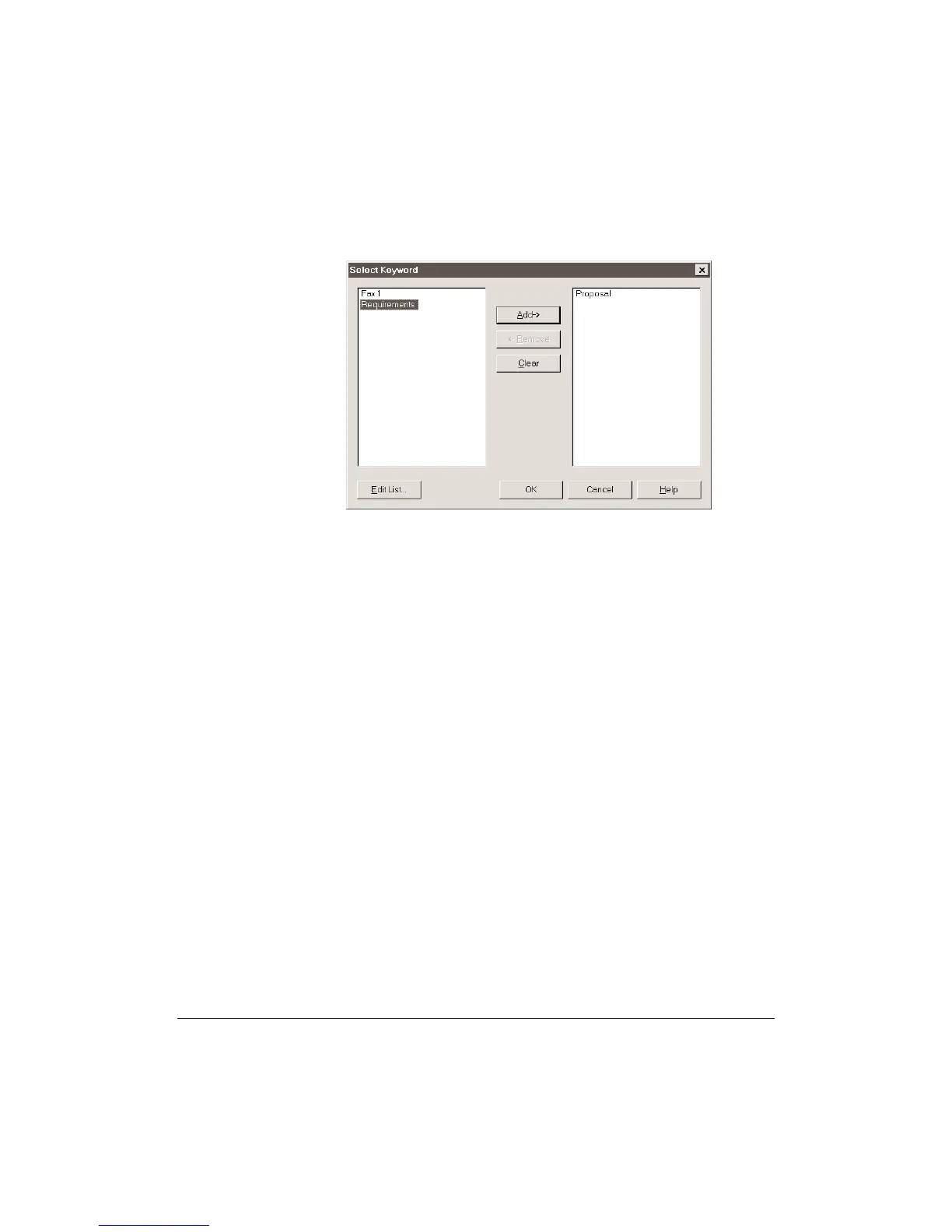
6. To change Keywords assigned to the document, click the Keywords
button.
•
Click a keyword you wish to assign to the document, then click
Add.
•
To remove a keyword, highlight it in the assigned list and click
Remove.
•
To remove all keywords, click Clear.
•
To edit the Keyword list, click Edit List. (See page 7-15.)
•
After assigning the keywords, click OK.
7. After making your index entries, click the Submit button to save the
entries and close the dialog.












 To Next Page