Chapter 7 Working With Documents in the Desktop Manager 7-19
Documents in
Desktop Manager
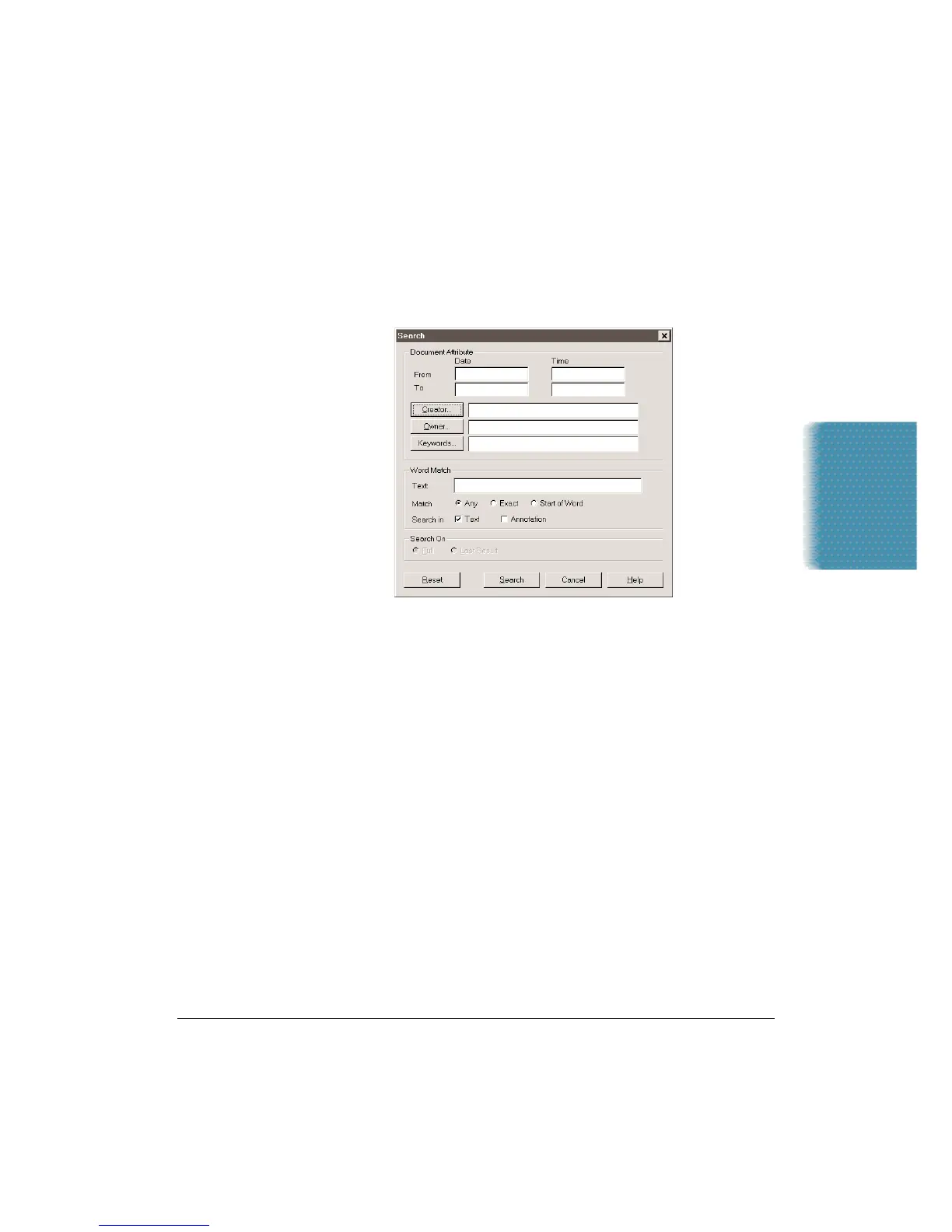
Searching for Your Documents
You can search for a particular document by Date,Creator, Owner,
Keyword, or Text string.
1. On the Tools menu, click Search.
2. To search by Date or Time, enter the desired From and To dates
and/or times to display all documents created within this period.
3. To search by Creator, click the Creator button.Highlight each
Creator by which you want to search and click Add.
•
To remove a selected item, highlight it in the assigned list and
click Remove.
•
To remove all selected items, click Clear.
•
After making your selections, click OK.
4. To search by Owner, click the Owner button. Highlight each Owner
by which you want to search and click Add.
•
To remove a selected item, highlight it in the assigned list and
click Remove.
•
To remove all selected items, click Clear.
•
After making your selections, click OK.












 To Next Page