7-2 Working With Documents in the Desktop Manager Chapter 7
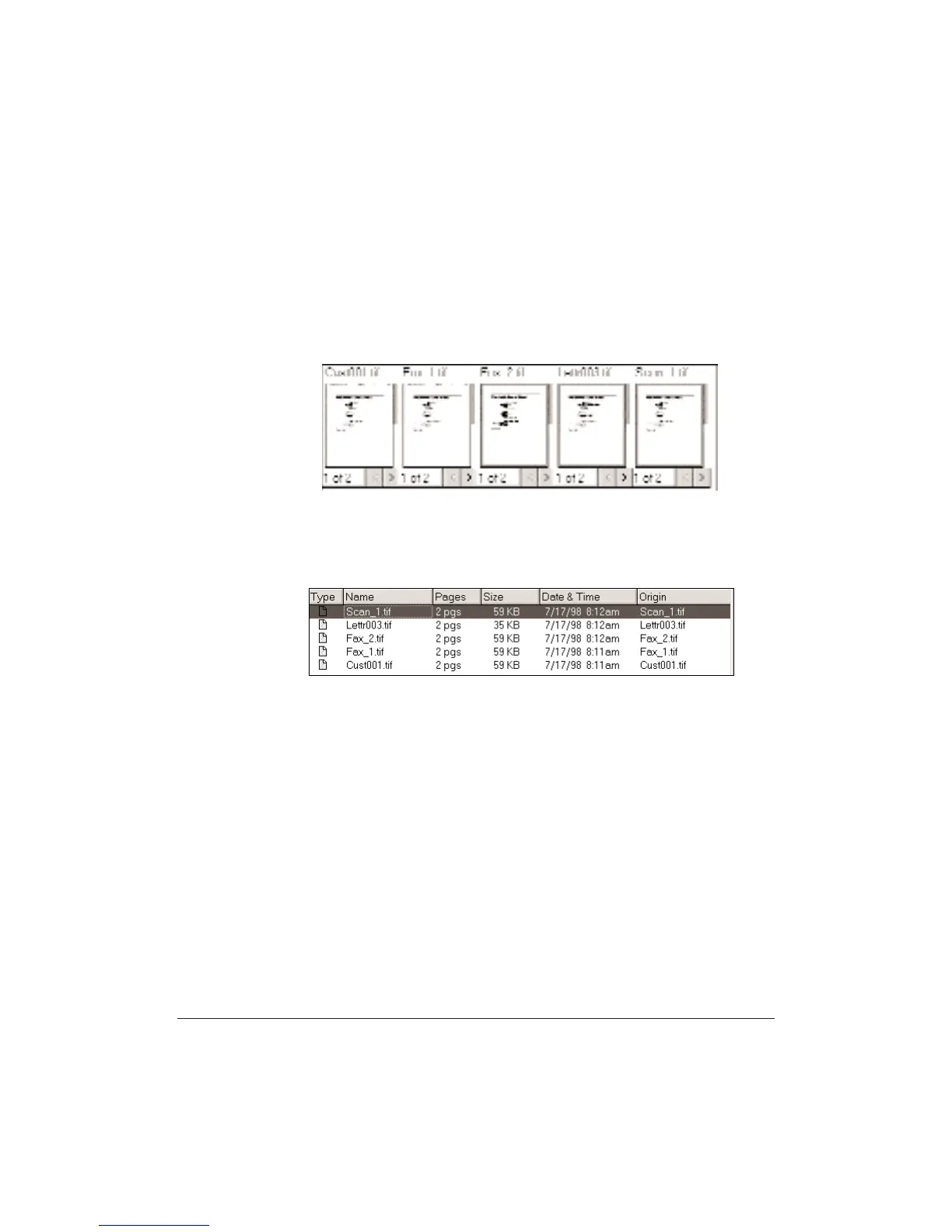
Selecting a Document in Document View
With the folder open, do one of the following.
❍ For a single document, click the document thumbnail.
❍ For multiple nonsequential documents, hold the Ctrl key while
clicking on each document you want to select.
Selecting a Document in List View
With the folder open, click the document name in the list.












 To Next Page