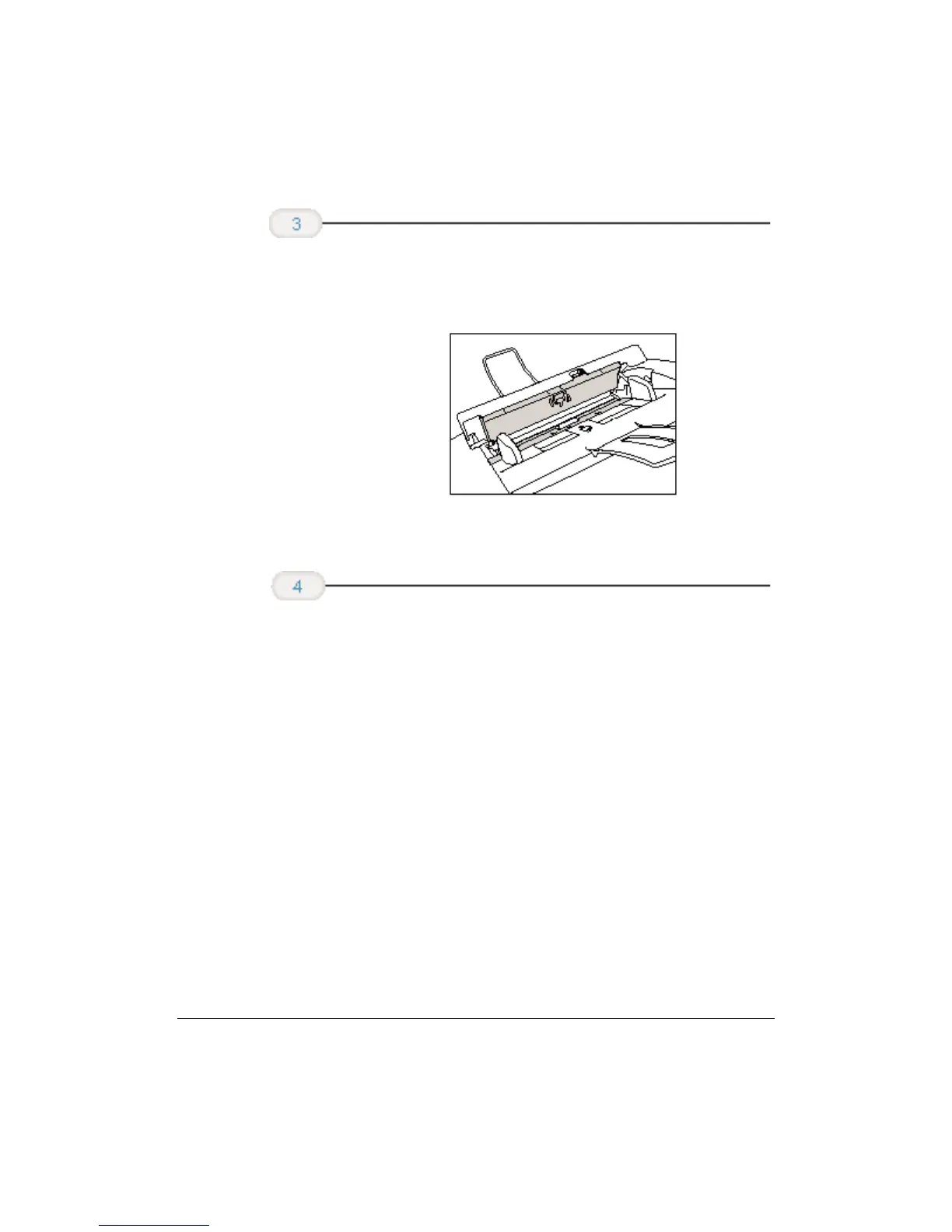
❍ Dirt and dust particles that collect on the underside of
the operation panel also affect the quality of the
documents you copy or send.
❍ Use a soft, dry, clean cloth to wipe up paper dust around
the rollers.
❍ Press the center of the operator panel until it locks into
place.
❍ Plug the unit back in.
When you are
finished, close the
operator panel.
Clean the shaded
areas of the
operator panel
and the unit.
9-6 Maintaining the MultiPASS C3500 Chapter 9












 To Next Page